
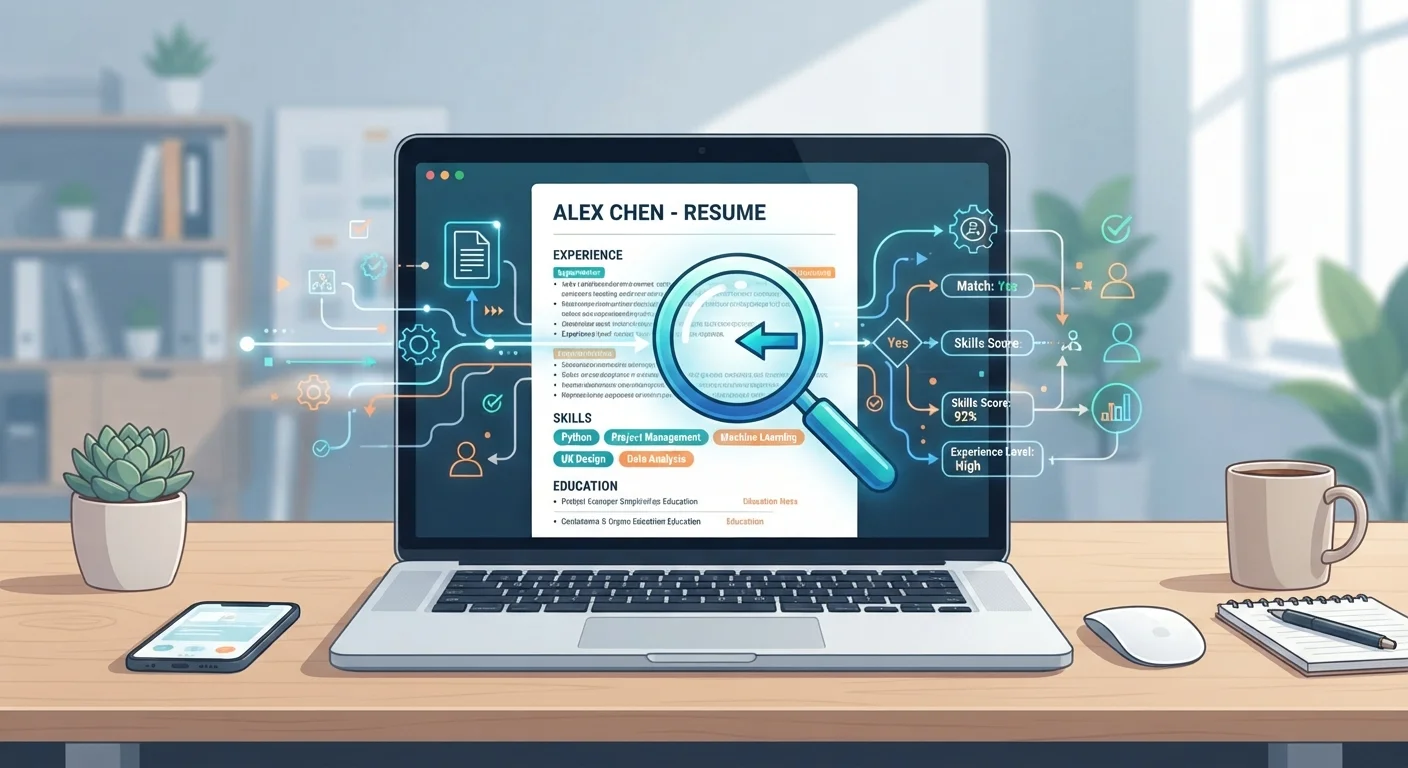
What an ATS Actually Does
When you submit a resume online, it almost always lands inside an applicant tracking system first. The software does three main things: it parses your resume into structured data (name, work history, skills, education), stores that data in a searchable database, and presents it to recruiters in a usable format.
Think of it less like a filter and more like a filing system. Recruiters can search the database for specific terms, sort applications by criteria, and flag candidates for follow-up - all without opening dozens of individual files. For high-volume roles that attract hundreds of applicants, this kind of organization is genuinely useful.
Some platforms include a scoring or ranking feature that moves applications with more matching keywords higher in the queue. This is where the "ATS filter" reputation comes from. But it's worth noting that even ranked applications are typically reviewed by a human before any decision is made. The ATS surfaces candidates; recruiters still evaluate them. For a broader look at how digital tools have reshaped hiring, see what's actually different about the modern job search.
~99%
Fortune 500 companies using ATS software
Industry research consistently finds that virtually all large U.S. employers use some form of applicant tracking technology.
75%
Resumes never seen by a human recruiter
This figure circulates widely in job-search advice, but it overstates automated rejection - it reflects prioritization, not deletion, in most systems.
~70%
Mid-to-large employers using ATS platforms
Adoption is highest among organizations receiving high volumes of applications, according to HR technology surveys.
Common Myths Worth Correcting
One widespread belief is that ATS software automatically discards resumes that don't meet certain criteria, meaning most applicants are rejected before a human ever looks. This overstates how most systems function. While ranking features can de-prioritize applications, outright automated rejection is far less common than job-search advice online suggests.
Another myth: using white text to hide keywords will trick the system. In practice, this approach is more likely to get your resume flagged or discarded by a recruiter who discovers it. ATS platforms have also grown more sophisticated over time.
A third misconception is that any non-standard formatting will "confuse" the ATS and destroy your chances. Formatting does matter - but the real risk is that a poorly structured resume is harder for recruiters to read once it's been parsed, not that it disappears into a void.
ATS Features Vary Widely by Platform
Not all applicant tracking systems work the same way. Older or simpler platforms may do little more than collect and store resumes, while newer enterprise systems include scoring, duplicate detection, and integration with interview scheduling tools. Advice that applies to one employer's setup may not apply to another's. When in doubt, focus on clarity and relevance over gaming any specific system.
What This Means for Your Resume Strategy
Understanding what ATS software actually does points you toward practical adjustments - not overhauls. The goal is a resume that parses cleanly and reads well to a human, because both matter.
- Mirror the job description's language. If the posting says "project management," use that phrase rather than a synonym. Recruiters searching the ATS will use the same terms the posting used.
- Use standard section headings. "Work Experience," "Education," and "Skills" are reliably recognized. Creative alternatives like "My Journey" may not parse correctly.
- Avoid design elements that break parsing. Tables, text boxes, headers and footers, and embedded images can scramble how your information appears in the database.
- Tailor each application. A generic resume sent to every job is less likely to surface in recruiter searches because the keywords won't align. This is the single most consistently useful adjustment most job seekers can make.
Before you submit your next application, run through a structured checklist - our pre-application checklist covers resume, cover letter, and research steps in one place.
Test Your Resume's Parsability
Copy and paste your resume into a plain text editor like Notepad. If the content reads clearly and logically in plain text - with job titles, employers, and dates in the right order - it will likely parse well in most ATS platforms. If sections are jumbled or missing, that's a sign your formatting needs simplifying.
What an ATS Can't Replace
No software fully captures context, career narrative, or potential. A recruiter who reads your resume with genuine attention can see things an ATS cannot - a non-traditional background that's actually a great fit, a portfolio link that tells a richer story, or a referral note from a colleague they trust.
This is why networking continues to matter even in an era of digital applications. An internal referral doesn't bypass the ATS, but it often means your application gets pulled up and reviewed rather than sitting in a queue. For a clear breakdown of how referrals and direct applications compare, see networking vs. cold applying.
Understanding ATS is useful, but it's one piece of a larger job search picture. For a plain-language guide to other terms and concepts you'll encounter, job search vocabulary every applicant should know is a practical reference to bookmark.
“The ATS is not the enemy - a resume that doesn't clearly communicate your value is. The system is just the messenger; it's the recruiter you ultimately need to impress.”
— Liz Ryan, Former Fortune 500 HR executive and workforce columnist