Why Everyday Habits Create Invisible Risk
Most digital security incidents don't start with a sophisticated attack on a high-profile target. They start with a familiar, routine behavior - reusing a convenient password, tapping through a permission dialog, connecting to a coffee shop's Wi-Fi. The gap between how risky these habits feel and how risky they actually are is where most exposure quietly builds.
The good news: these habits are learned, which means they can be changed. If you're new to thinking about this, our online safety primer covers the foundation. The article below focuses specifically on behaviors that seem harmless but carry meaningful consequences - and what to do differently.
80%+
Of breaches involve weak or reused passwords
Verizon's Data Breach Investigations Reports have consistently found that compromised credentials are involved in the majority of confirmed data breaches.
3.4B
Phishing emails sent daily worldwide
Security researchers estimate billions of phishing messages are delivered globally every day, making it one of the most common entry points for fraud.
The Most Common Risky Digital Habits
The following mistakes appear across all types of internet users - from casual browsers to people who consider themselves tech-savvy. Recognizing them is the first step to closing the gaps in your digital life.
Reusing the same password across multiple accounts.
Why it happens: Creating and remembering unique passwords for dozens of accounts feels impractical, so people default to one familiar password.
Oversharing personal details on social media profiles and posts.
Why it happens: Sharing feels social and harmless in the moment; people rarely consider that birthdays, hometowns, employer names, and pet names are common security-question answers.
Ignoring or indefinitely postponing software and app updates.
Why it happens: Updates arrive at inconvenient moments and are easy to dismiss; the security improvements they contain are invisible, so the risk feels abstract.
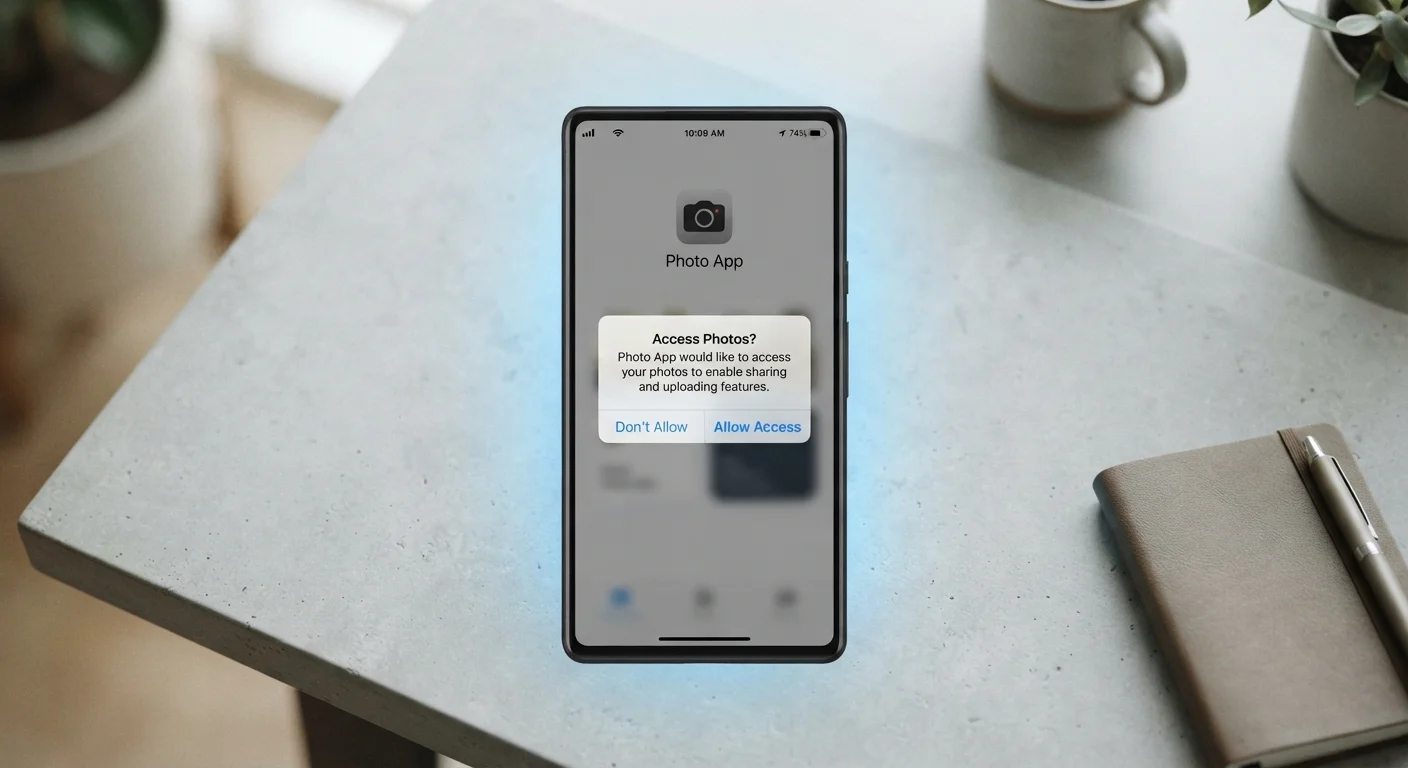
Clicking 'Allow' on app permission requests without reading them.
Why it happens: Permission dialogs appear as interruptions during app setup, creating pressure to tap through quickly just to get to the feature you wanted.
Assuming 'incognito' or private browsing mode makes you anonymous online.
Why it happens: The word 'incognito' implies invisibility, and the feature is widely misunderstood as providing full privacy protection.
Opening links or attachments in unexpected emails without verifying the sender.
Why it happens: Modern phishing messages are crafted to look like legitimate communications from banks, delivery services, or employers, making skepticism difficult to apply consistently.
Password Reuse Is a Chain Reaction Risk
When one site suffers a data breach, attackers routinely test stolen credentials on banking, email, and shopping sites - a technique called credential stuffing. If you use the same password in multiple places, a single breach can unlock several of your accounts. Using a password manager to generate and store unique passwords for every account is one of the most impactful changes you can make.
When you're ready to move from awareness to action, an online safety audit checklist can help you work through your accounts and devices systematically. For a broader look at how personal data gets exposed and what you can do about it, see protecting personal information online.
Public Wi-Fi Carries Real Privacy Trade-Offs
Open networks at airports, cafés, and hotels don't encrypt traffic between your device and the router. Someone on the same network can potentially intercept unencrypted data. Avoid logging into financial or sensitive accounts on public Wi-Fi, and consider using a reputable VPN when you have no alternative. For a fuller breakdown, see what public Wi-Fi actually costs you.
Building Safer Habits Before Something Goes Wrong
Changing digital habits doesn't require becoming a security expert. Most meaningful protection comes from a handful of consistent practices: unique passwords managed by a dedicated tool, automatic software updates, and a pause before clicking any unexpected link or granting any new app permission.
Think of these changes as maintenance, not a one-time fix. Proactive digital safety practices - like enabling account alerts and knowing where to report fraud - make a measurable difference before a problem occurs rather than after. Small adjustments to habits that already feel routine are how lasting digital security actually gets built.
This article is for informational and educational purposes only. It does not constitute professional security, legal, or financial advice.