Why Online Safety Matters for Everyone
Online safety isn't just a concern for people who store sensitive secrets on their devices. Every American who shops, banks, communicates, or simply browses online has a digital footprint - and that footprint is a target. Fraud, identity theft, and account takeovers affect people across all age groups and income levels, often beginning with habits that feel entirely harmless.
Think of your online presence the way you think about your home. You lock the door not because you expect a break-in every night, but because the cost of leaving it open is too high. The same logic applies to your accounts, devices, and data. The good news: the most effective protections aren't complicated. They're habits, and habits can be built one step at a time.
This guide focuses on the fundamentals - the knowledge and actions that give you the most protection for the least effort. If you're looking to go deeper afterward, the Online Safety Audit checklist is a practical next step for identifying weak spots across your accounts and devices.
Phishing
A type of scam where attackers pose as trusted organizations via email, text, or fake websites to trick you into revealing passwords, financial details, or other sensitive information.
Multi-factor authentication (MFA)
A security feature that requires you to verify your identity in two or more ways - such as a password plus a code sent to your phone - before accessing an account.
Password manager
An application that securely stores and generates complex, unique passwords for all your accounts, so you only need to remember one strong master password.
Malware
Malicious software designed to damage, disrupt, or gain unauthorized access to a device or its data. It can arrive through deceptive downloads, infected links, or compromised websites.
Credential stuffing
An automated attack where hackers take username and password combinations leaked from one data breach and test them across many other sites, exploiting password reuse.
Social engineering
Manipulation tactics used by scammers to psychologically pressure people into giving up information or taking harmful actions, often by creating false urgency or impersonating trusted figures.
The Core Threats to Know
Understanding what you're up against helps you make smarter decisions without living in constant anxiety. A handful of threat types account for the vast majority of consumer-facing digital harm.
- Phishing: Deceptive emails, texts, or websites that impersonate trusted entities to steal your credentials or payment details. These are by far the most common attack vector targeting everyday users.
- Credential stuffing: When a data breach exposes usernames and passwords from one service, attackers automatically test those combinations on other sites. This is why reusing passwords is especially risky.
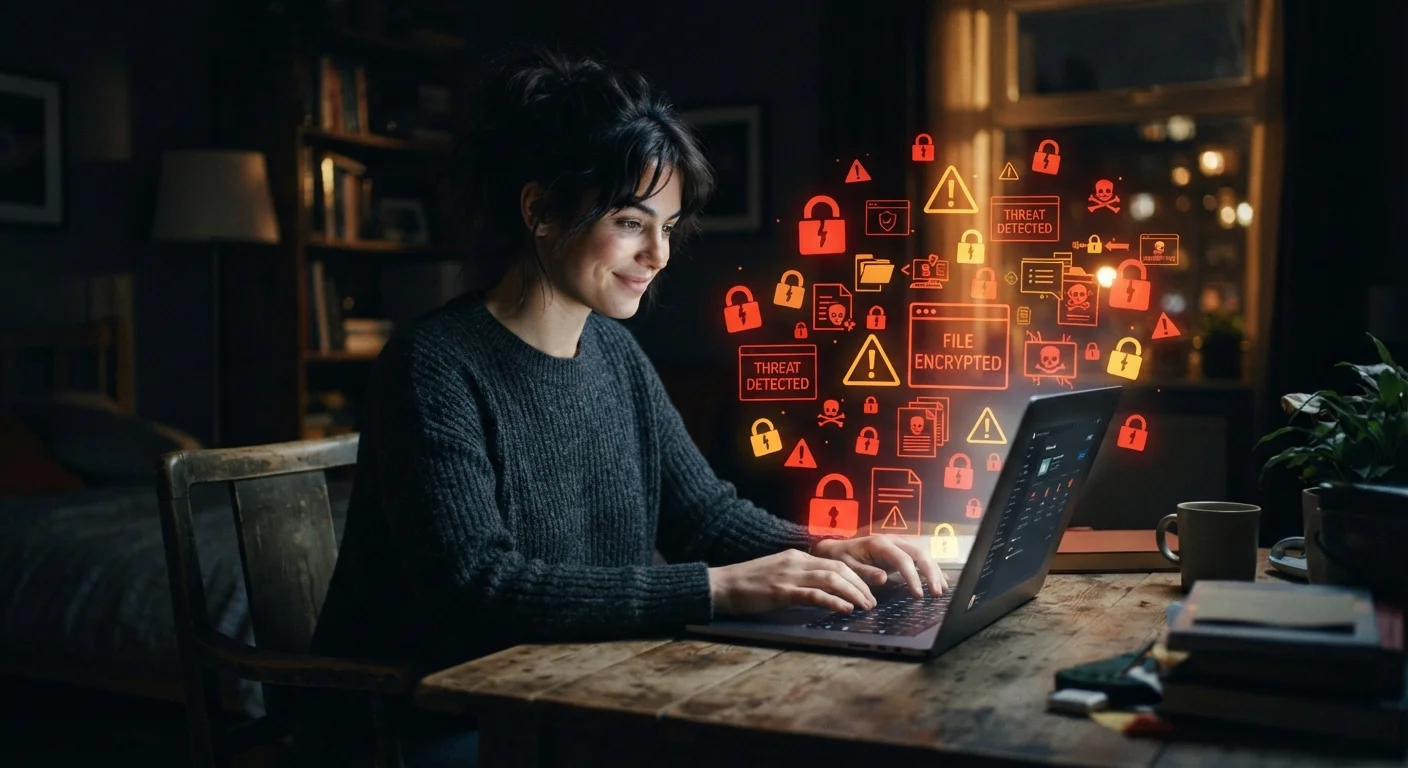
- Malware: Malicious software that can be installed through deceptive downloads, infected links, or compromised ads - sometimes without any visible sign something is wrong.
- Social engineering: Manipulation tactics designed to pressure you into sharing information or taking action. Urgency, fear, and impersonation are the main tools used.
Most successful attacks exploit human behavior - curiosity, trust, or urgency - rather than exotic technical flaws. Knowing that fact shifts the odds in your favor. For a closer look at how everyday behaviors contribute to risk, see our piece on digital habits that create risk without you realizing it.
Your First Line of Defense: Passwords and Authentication
Passwords remain the primary key to your digital life, and they're also the most frequently compromised one. Two habits make an outsized difference here.
Use unique, complex passwords for every account. A strong password is long (12 or more characters is a common guideline), mixes character types, and - critically - isn't shared across sites. A password manager makes this practical by generating and storing complex passwords so you only need to remember one master passphrase.
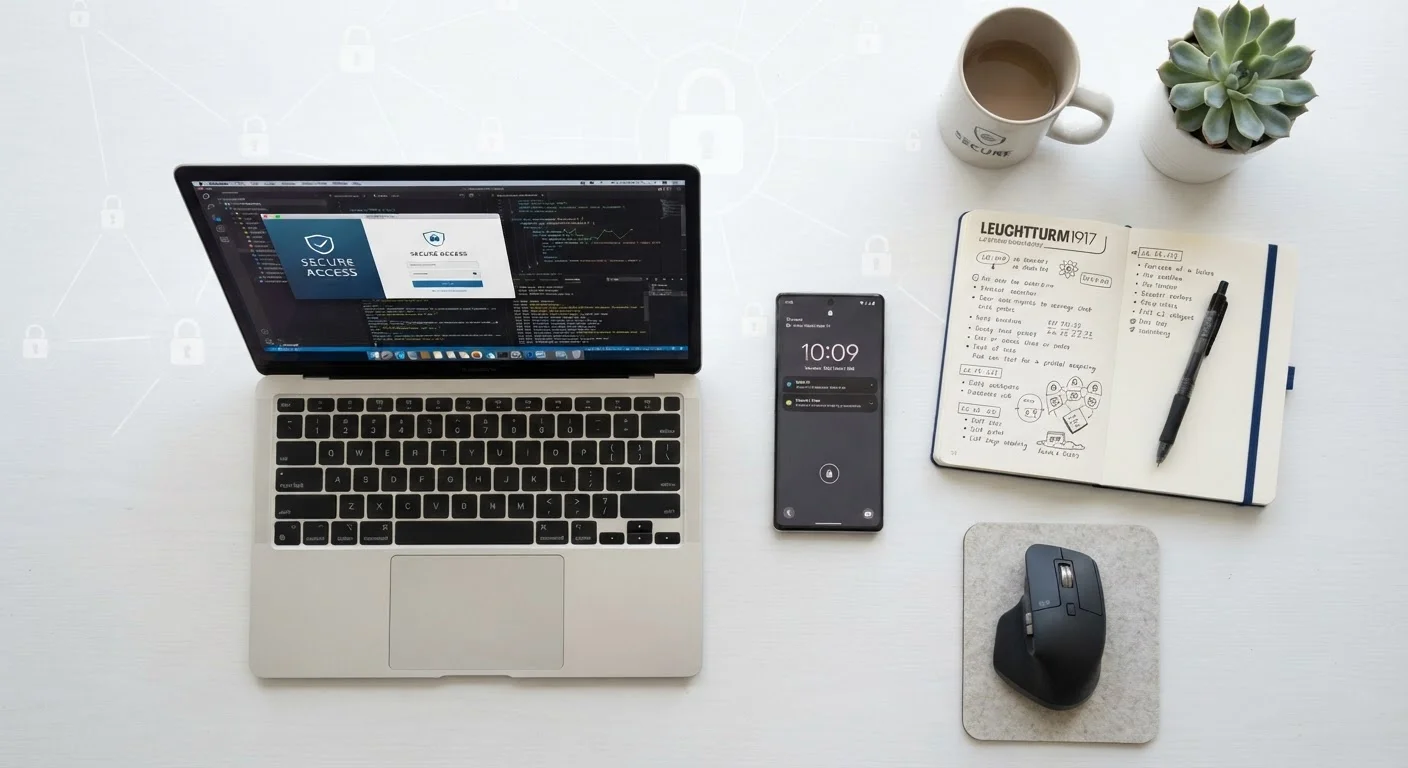
Enable multi-factor authentication (MFA) wherever it's available. MFA requires a second form of verification - typically a code sent to your phone or generated by an app - before granting access. Even if someone obtains your password, MFA stops them from getting in. Authenticator apps are generally considered more secure than SMS codes, though either is far better than no MFA at all.
Prioritize Your Email Account First
Before securing any other account, lock down your primary email with a strong, unique password and multi-factor authentication. Your email inbox is the recovery lifeline for nearly every other account you own - making it the highest-value target for attackers and the highest-priority account for you to protect.
Securing email deserves special attention: your inbox is often the recovery point for every other account you own. If an attacker controls your email, they can reset passwords across your entire digital life.
Spotting Scams Before They Catch You
Phishing messages have grown sophisticated enough to fool careful readers. A few reliable signals can help you pause before acting.
- Urgency and threats: Messages demanding immediate action - "Your account will be closed in 24 hours" - are designed to bypass your critical thinking. Slow down.
- Sender mismatch: Check the actual email address, not just the display name. A message appearing to be from your bank but sent from a random domain is a clear warning sign.
- Suspicious links: Hover over links (on desktop) to see the real destination before clicking. Slight misspellings in domain names - such as "paypa1.com" - are a common tactic.
- Requests for sensitive information: Reputable companies do not ask for passwords, Social Security numbers, or full credit card details via email or text.
When anything feels off, go directly to the official website by typing the address yourself, or call the organization using a number from their official site - not one provided in the suspicious message.
Don't Trust Caller ID or Display Names Alone
Phone numbers and sender display names can be spoofed to appear legitimate. A call or message that looks like it's coming from your bank or a government agency isn't automatically real. Always verify through official channels you find independently - never use contact information provided in the suspicious message itself.
Building Habits That Last
The most secure people aren't those with the most tools - they're the ones with the most consistent routines. A few durable practices carry the bulk of your protection.
- Keep software updated. Security patches close known vulnerabilities. Delaying updates leaves those openings available to attackers longer than necessary.
- Review account permissions periodically. Apps and services sometimes retain access to your data long after you've stopped using them. Auditing what has permission to what is a simple, high-value step.
- Back up important data. Regular backups - ideally both local and cloud-based - protect you from ransomware and device failure alike.
- Stay skeptical by default. Treat unexpected messages, unfamiliar links, and unsolicited requests as suspect until confirmed otherwise.
These habits compound over time. Each one you build reduces your exposure and makes the next one easier to adopt. Families with children at home have the added responsibility of extending these practices to younger users - our guide on keeping children safer online covers what parents should understand about minors' specific risks.
If you want to move from reactive to proactive, digital safety practices worth building before something goes wrong outlines the steps that make the biggest difference before a breach occurs - including where to report fraud and how to set up account alerts.