Why Tablet Terminology Matters
When you're setting up a new tablet, adjusting its settings, or troubleshooting a problem, you'll inevitably run into specifications and terms that sound more complicated than they are. Understanding what these terms actually mean - not just recognizing the words - helps you make smarter decisions about how you use and maintain your device.
This reference guide covers the terms you're most likely to encounter, whether you're reading a product description, navigating your device's settings menu, or talking to a support representative. For a broader look at internet-related vocabulary that affects how your tablet connects and operates, see our plain-English internet glossary.
| Common tablet RAM range | 4GB - 16GB (Typical across consumer tablets as of recent product generations) |
| Standard refresh rates | 60Hz, 90Hz, 120Hz (Common options across mid-range and premium tablets) |
| Most common aspect ratios | 4:3, 16:10, 3:2 (Varies by use case: media, productivity, or reading) |
| Wi-Fi standards in use | Wi-Fi 5 (802.11ac) and Wi-Fi 6 (802.11ax) (Wi-Fi 6 is the current mainstream standard) |
| Typical onboard storage tiers | 64GB, 128GB, 256GB, 512GB (Common configuration options across consumer tablets) |
Display Terms: What You're Actually Looking At
The display is the most visible part of any tablet, and manufacturers use several distinct metrics to describe it. Resolution tells you how many pixels the screen contains total - more pixels generally means a sharper image. PPI (pixels per inch) refines that by accounting for screen size: a smaller screen with the same resolution as a larger one will appear crisper because its pixels are packed more tightly together.
Refresh rate is the spec that most affects how smooth everything feels in use. A standard 60Hz display redraws the screen 60 times per second. Tablets with 90Hz or 120Hz displays feel noticeably more fluid when scrolling through web pages or using apps with animation. The trade-off is that higher refresh rates can consume more battery power, though many devices now adjust this automatically.
Aspect ratio determines the shape of the screen. A 4:3 ratio produces a more square-ish display that many people find comfortable for reading and document work, while 16:10 is wider and better suited for video. Neither is universally better - it depends on how you primarily use your tablet.
Performance and Connectivity Terms
RAM and storage are two of the most frequently confused specs. Think of RAM as your tablet's short-term working space - it holds what you're actively doing right now. Storage is the long-term filing cabinet where everything you've saved lives. Running out of RAM causes slowdowns and app crashes; running out of storage means you can't save new files or install apps without deleting something first.
The processor (often called a chip or SoC) is the engine underneath all of it. Processor performance affects everything from how fast apps load to how well the tablet handles demanding tasks like video editing or gaming. Processor specifications are often expressed with a name and generation number rather than a simple speed figure, which can make comparisons harder - but a newer generation chip from the same manufacturer is typically faster and more efficient than an older one.
For connectivity, Wi-Fi band refers to whether your tablet can use the 2.4GHz or 5GHz frequency - or both. Most modern tablets support both. Bluetooth governs wireless accessories. If your tablet has an LTE or 5G option, it can connect to cellular data networks, which requires a separate SIM card and a data plan from a carrier.
Specs Vary by Manufacturer and Model
Tablet specifications are not standardized across brands, so the same term - like 'storage' or 'refresh rate' - may be marketed differently depending on the manufacturer. Always check the official product specifications page for precise details rather than relying on marketing descriptions alone. If a specification is absent from a listing, it is reasonable to ask the retailer or consult the manufacturer's support documentation.
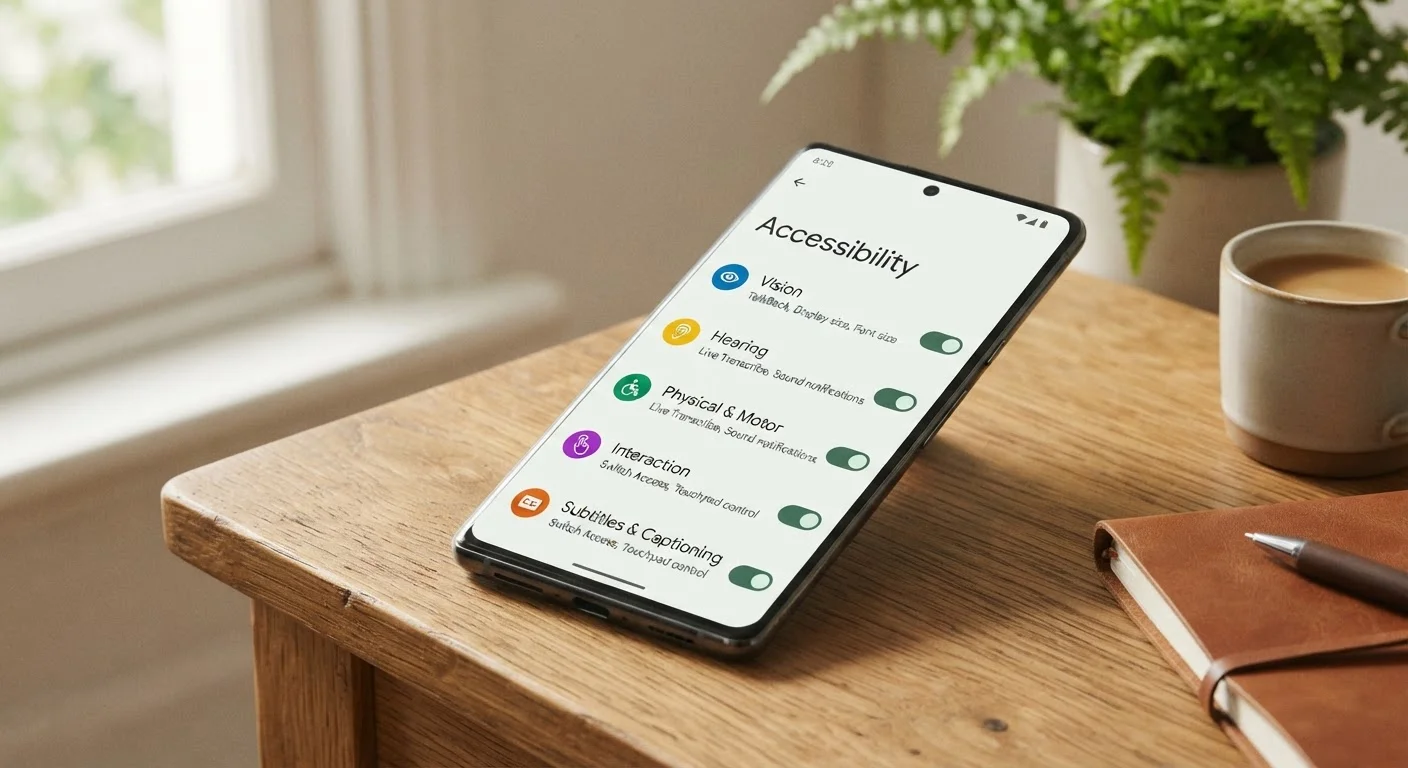
To understand how these connectivity features interact with your broader internet setup, the Internet Essentials hub is a useful companion resource. And if you want to get more practical value from your device's built-in features, exploring accessibility settings is a good next step that most tablet owners overlook.