What a VPN Actually Does
A VPN does two things well: it encrypts the data traveling between your device and the VPN server, and it replaces your real IP address with one belonging to the VPN provider. This makes it harder for your ISP to monitor your browsing activity and prevents websites from seeing your true location. Those are genuine, useful functions - but they're also narrower than most marketing implies.
Think of a VPN as a private tunnel on a public highway. The tunnel hides what's inside from observers on the road. But it doesn't change what you're carrying, who you've agreed to let inspect the destination end, or whether the tunnel operator keeps records of every trip you take.
A VPN Shifts Trust, Not Eliminates It
When you use a VPN, your internet traffic is routed through the VPN provider's servers instead of your ISP's network. This means you're trusting the VPN company with data you previously trusted your ISP with. If the VPN provider logs and sells your data, you may be no better protected - and possibly less aware of the risk.
Common VPN Myths - Corrected
The gap between what VPNs are marketed to do and what they technically accomplish is significant. The myth-and-fact pairs below address the most widespread misconceptions, from anonymity claims to security promises that fall outside what a VPN is designed to deliver. For a fuller picture of online privacy limitations, see common online privacy myths that mislead users.
Myth
A VPN makes me completely anonymous online.
Fact
A VPN masks your IP address but does not prevent websites, advertisers, or platforms from identifying you through cookies, account logins, or browser fingerprinting.
Your IP address is only one of many signals used to identify you online. When you're logged into Google, Facebook, or any other account, those services know exactly who you are regardless of what IP address your traffic originates from. Advertisers also use browser fingerprinting - a technique that combines your device settings, browser version, fonts, and screen resolution into a unique identifier - to track you without relying on your IP at all. Anonymity online requires far more than a VPN.
Myth
I need a VPN to keep my web browsing private and encrypted.
Fact
Most modern websites already use HTTPS, which encrypts data in transit between your browser and the site - no VPN required.
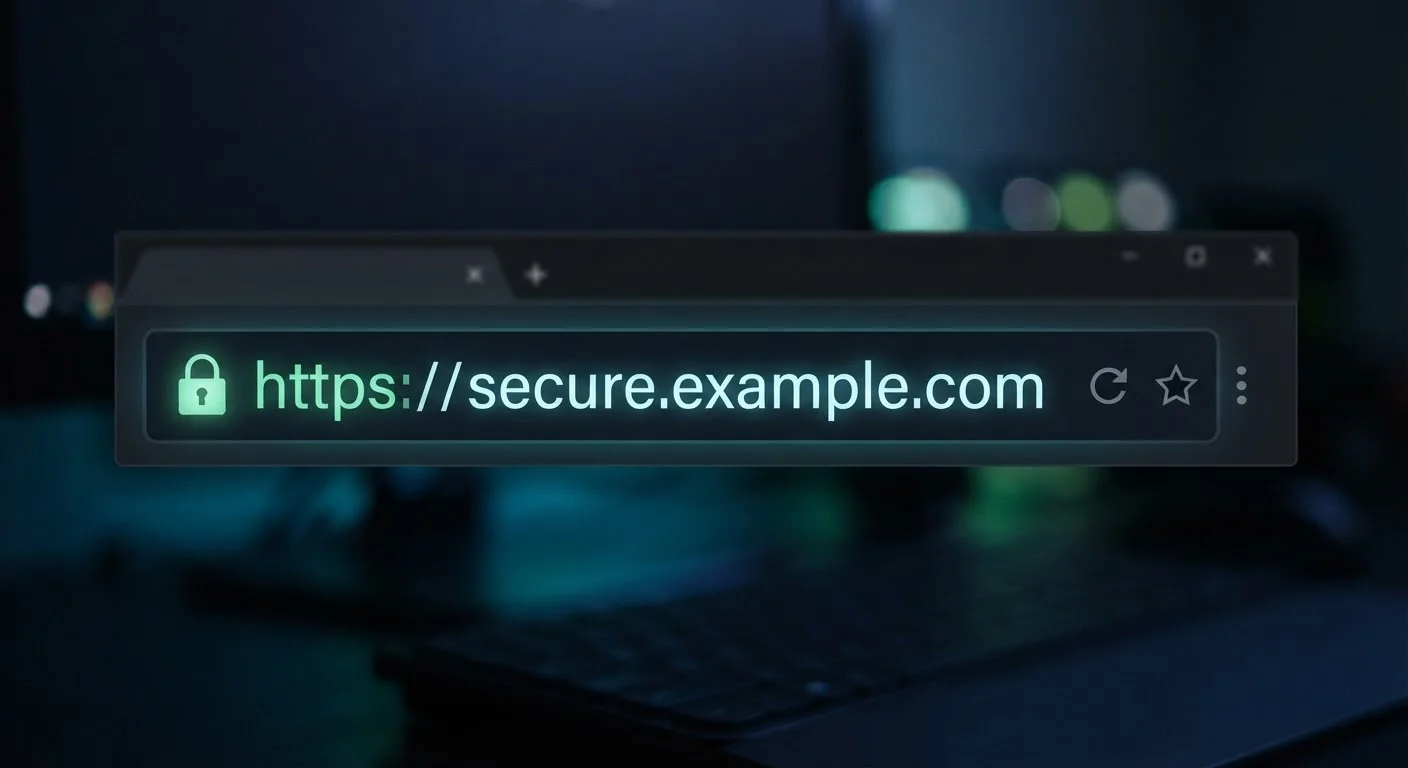
The padlock icon in your browser address bar signals that a connection is encrypted via HTTPS. This means your ISP or someone monitoring local network traffic can see that you visited a website but generally cannot read the content of your communications. Understanding what HTTPS actually protects helps you assess when a VPN adds real value versus when it's largely redundant. A VPN adds an additional layer, but it's not the primary encryption layer most people imagine.
Myth
A VPN protects me from viruses, hackers, and phishing attacks.
Fact
VPNs are a network privacy tool, not a security suite. They do not scan files, block malware, or detect phishing sites.
A VPN encrypts the tunnel through which your data travels - it does not inspect or filter what's inside that tunnel. If you download a malicious file or click a phishing link, the VPN will encrypt that harmful traffic just as readily as legitimate traffic. Security threats like malware and phishing require dedicated tools such as updated antivirus software, browser security settings, and good habits. Strong account security practices and phishing awareness are separate, equally important layers of protection.
Myth
Using a VPN on public Wi-Fi is unnecessary because the risk is exaggerated.
Fact
Open public Wi-Fi networks can expose your unencrypted traffic and make device-to-device attacks easier - a VPN meaningfully reduces those specific risks.
While HTTPS has reduced the worst risks of public Wi-Fi, open networks still present legitimate concerns: unencrypted connections, rogue hotspots posing as legitimate networks, and local network attacks. Using public Wi-Fi carries real trade-offs that are worth understanding. In this context, a VPN is one of the more practical tools available, encrypting your traffic before it leaves your device and preventing others on the same network from intercepting it.
Myth
All VPNs are essentially the same - any one will do.
Fact
VPN providers vary significantly in their logging practices, jurisdiction, transparency, and technical infrastructure, all of which affect how much privacy they actually provide.
A VPN's privacy promise is only as strong as the company behind it. Some providers maintain detailed connection logs that can be subpoenaed or leaked. Others operate under jurisdictions with mandatory data-retention laws. The technical architecture also matters - a provider running its own servers behaves very differently from one that rents third-party infrastructure. Before relying on a VPN for meaningful privacy, it's worth reviewing a provider's independently audited no-log claims and its history of responses to legal requests.
Marketing Claims Often Overstate Protection
Many VPN services are marketed with phrases like 'total anonymity' or 'complete security.' These claims are not accurate. No VPN can prevent tracking through browser cookies, device fingerprinting, or logins to your own accounts. Relying on a VPN as a comprehensive privacy solution can create a false sense of security.
When a VPN Is - and Isn't - Worth Using
A VPN is a reasonable tool in specific situations. Using unsecured public Wi-Fi at an airport or coffee shop is the clearest legitimate use case. Wanting to prevent your ISP from building a profile of your browsing habits is another valid reason. Accessing region-restricted content is a common practical use, though it sits in legal gray areas depending on the service's terms.
A VPN is less necessary when you're on a trusted home network and already using HTTPS-enabled sites - which is most of the web. It's not a substitute for good password hygiene, software updates, or phishing awareness. The full scope of what a VPN can and cannot do for privacy is worth reading before making a decision based on marketing alone.
Ultimately, a VPN is one layer in a broader approach to digital security - useful in the right context, but not a solution on its own.
~31%
Global internet users who have used a VPN
According to GlobalWebIndex survey data cited by industry researchers, roughly one in three internet users has used a VPN at some point, often for reasons that don't require one.
95%+
Top websites using HTTPS by default
Google's Transparency Report shows that the vast majority of pages loaded in Chrome use HTTPS encryption, meaning a VPN is not the primary encryption layer for most browsing.