The Complexity Trap
Most of us learned the same password rules: mix uppercase and lowercase letters, throw in a number, add a special character. It feels like building a strong lock. The problem is that attackers rarely try to pick that lock - they steal the key.
When a service you use suffers a data breach, your password - no matter how complex - is exposed. Attackers then test those stolen credentials across dozens of other sites automatically, a technique called credential stuffing. If you've reused that password anywhere, those accounts are vulnerable within hours. Complexity offered no protection at all in that scenario.
Understanding how passwords actually get compromised is the first step toward protecting yourself. The myths below address the most persistent misconceptions - and what the evidence actually supports.
Myth
If my password is long and complex enough, my account is safe.
Fact
Complexity protects against guessing attacks, but most real-world compromises happen through breaches, phishing, or reuse - not guessing.
Brute-force guessing - trying combinations until one works - is the attack that complexity rules were designed to defeat. But it's rarely how accounts are taken over today. Far more common are large-scale data breaches in which a site's stored credentials are stolen and then circulated among attackers. Your P@ssw0rd123! is just as exposed as a simpler password once it's in a leaked database.
Myth
I can reuse a strong password across sites as long as it's complicated.
Fact
Password reuse is one of the highest-risk behaviors in digital security, regardless of how strong the password is.
Credential stuffing attacks work by taking username-and-password pairs from one breach and systematically testing them on other services. If you use the same password for your email, bank, and streaming account, a breach at any one of them potentially unlocks all three. Uniqueness per account is non-negotiable. This is why password habits that leave accounts exposed consistently cite reuse as the top correctable mistake.
Myth
Two-factor authentication is only necessary for sensitive accounts like banking.
Fact
Any account that can be used to reset passwords on other accounts - especially email - is high-value and deserves 2FA.
Your email inbox is effectively a master key. An attacker who accesses it can trigger password resets on every service tied to that address. Social media accounts, though they may seem low-stakes, can be used for fraud and impersonation. Enabling 2FA on email, social accounts, and any service holding financial or personal data - not just banking - closes a critical gap. Our guide on setting up two-factor authentication safely covers how to do it without risking a lockout.
Myth
Changing my password regularly keeps me protected.
Fact
Frequent mandatory changes often produce weaker passwords and provide little security benefit unless a specific compromise has occurred.
Major security guidance bodies, including the U.S. National Institute of Standards and Technology (NIST), have moved away from recommending routine, scheduled password changes. Research found that forced rotation leads users to make predictable modifications - appending a number, capitalizing a letter - that attackers anticipate. The better practice is to change a password when you have reason to believe it was exposed, and to use a unique password per site so that one compromise doesn't cascade.
Myth
A password manager is riskier than memorizing passwords, because it's one point of failure.
Fact
Using a reputable password manager is broadly considered safer than the alternatives most people actually use - reuse and simple passwords.
The theoretical risk of a single point of failure is real, but it must be weighed against the practical reality: most people who avoid password managers end up reusing a handful of passwords across dozens of accounts. Password managers protect their vaults with strong encryption and can themselves be secured with 2FA. The net risk for most users is substantially lower with a manager than without one. For a plain-language explanation of how they work, see how password managers work.
What Actually Reduces Your Risk
The security practices that make a measurable difference aren't glamorous, but they're well established. Start with uniqueness: every account should have a password used nowhere else. That single change eliminates credential stuffing as a threat to your other accounts. A password manager makes this achievable without memorizing dozens of random strings.
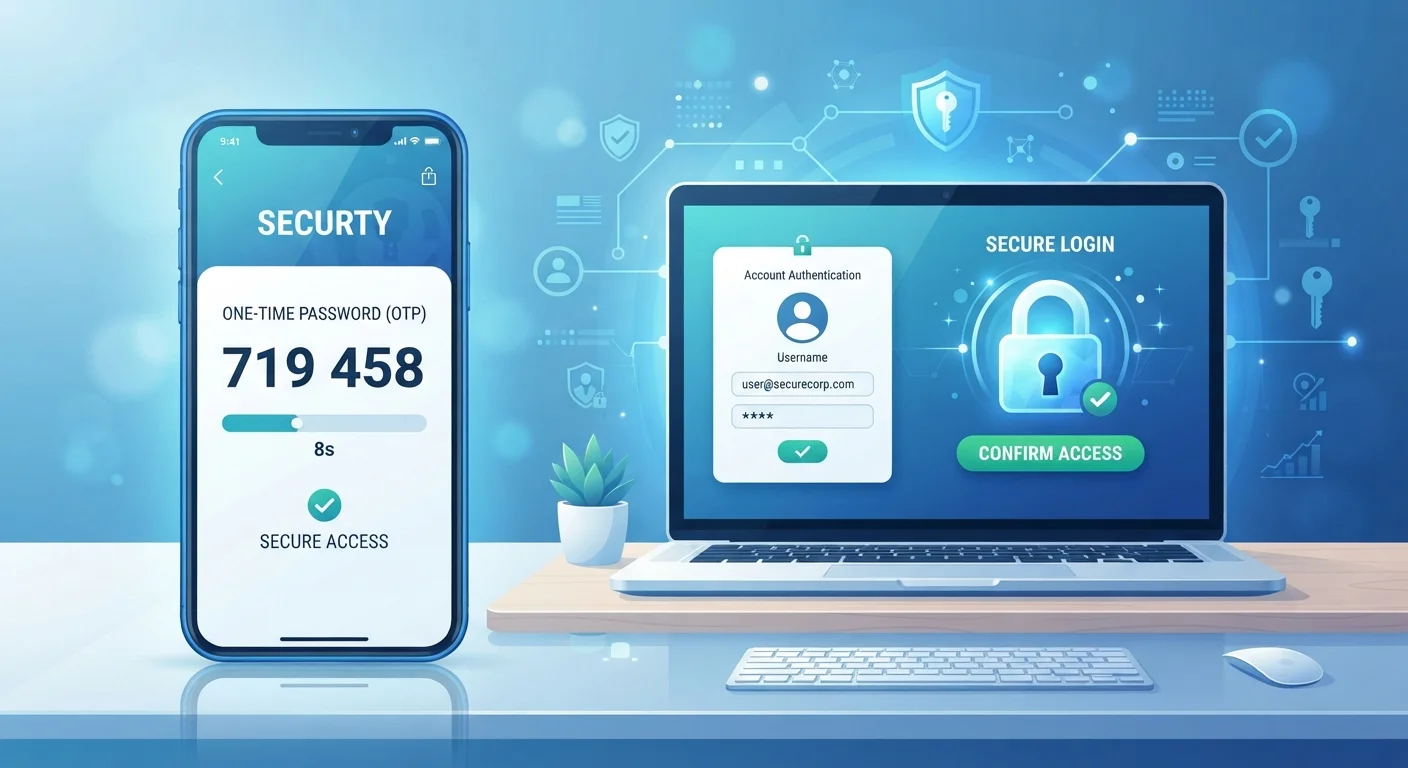
Second, enable two-factor authentication (2FA) wherever it's offered. Even if an attacker obtains your password, a second verification step - a code from an app, a hardware key - blocks access. Our article on two-factor authentication vs. passwords alone explains exactly what that difference means for your accounts.
80%+
Breaches involving stolen or weak credentials
Verizon's Data Breach Investigations Report has consistently found that the majority of hacking-related breaches exploit stolen, weak, or reused credentials.
Billions
Credentials available in breach databases
Security researchers estimate that billions of username-and-password combinations from past breaches are actively circulated and tested by attackers.
Third, check whether your email address has appeared in known data breaches. Several reputable, non-commercial services allow you to search breach databases by email address. When a match appears, change the password on that site immediately and on any account sharing it.
Finally, be alert to phishing - fraudulent emails or messages designed to trick you into entering your credentials on a fake site. No password strength prevents that. Slowing down before clicking links and verifying the sender are habits worth building. See digital habits that create risk for a fuller picture of everyday behaviors that quietly expand your exposure.
Phishing Bypasses Every Password Rule
No complexity requirement or length rule protects you if you're tricked into entering your credentials on a fake site. Phishing emails are increasingly convincing and often impersonate trusted brands. Before entering login information anywhere, verify the site's address in your browser and be skeptical of urgent or unexpected messages asking you to act quickly.
None of these steps requires technical expertise. Combined, they address the actual threat landscape rather than an imagined one - and that's what makes them worth your time.