What a Password Manager Actually Does
At its core, a password manager is a secured digital vault for your login credentials. It stores usernames and passwords for every account you have, fills them in automatically when you visit a site, and - critically - can generate complex, random passwords on demand so you don't have to invent or remember them yourself.
When you create an account on a new website, the manager can suggest a password like kT#9mZqL2!vXp instead of something guessable. That password gets saved instantly. The next time you visit the site, the manager recognizes it and fills in your credentials automatically.
All of this is protected by a master password - the one password you do need to remember. This master password is never transmitted to anyone, including the software provider. It exists solely to unlock your local vault.
For a broader look at where passwords fit in your overall digital security picture, see our guide to two-factor authentication vs. passwords alone.
The Encryption Behind the Vault
The security of a password manager depends on encryption - specifically, a process that scrambles your stored data into unreadable ciphertext. Most reputable managers use AES-256 encryption, a standard used by government agencies and financial institutions worldwide.
The master password you choose is used to generate an encryption key that decrypts your vault locally on your device. This is why most providers operate on a zero-knowledge architecture: they cannot see your stored passwords even if they wanted to, because they never have access to your decryption key.
81%
Data breaches involving weak or stolen passwords
According to Verizon's Data Breach Investigations Report, the vast majority of hacking-related breaches exploit compromised credentials.
100+
Average online accounts per person
Research from NordPass and similar credential studies consistently finds that the typical adult manages well over 100 password-protected accounts.
If a company's servers are ever breached, attackers would obtain only encrypted gibberish - useless without your master password. This design means your vault's security ultimately comes down to the strength of that one password and how well you protect it.
Advantages of Using a Password Manager
The case for password managers rests on several concrete security and convenience benefits.
Generates strong, unique passwords automatically
Random, complex passwords are virtually impossible to guess or crack through brute force. The manager handles the complexity, so you never have to think one up.
Eliminates dangerous password reuse across sites
When one site suffers a breach, attackers routinely try stolen credentials on other platforms. Unique passwords for every account neutralize this threat entirely.
Reduces phishing risk through autofill recognition
Password managers autofill credentials only on the exact domain they were saved for. If you land on a convincing but fake login page, the manager won't fill in anything - a quiet but powerful red flag.
Syncs credentials across all your devices
Most managers work across phones, tablets, and computers, meaning your passwords are available wherever you need them without manual transfer or unsafe workarounds.
Alerts you to compromised or weak passwords
Many managers monitor known data breach databases and flag stored passwords that have appeared in leaked credential lists, prompting you to update them proactively.
Password reuse is one of the most common behaviors that quietly expands your exposure to fraud. A password manager eliminates that habit by default, because it generates and tracks a different password for every site.
Disadvantages and Risks Worth Knowing
Password managers are genuinely useful, but they aren't without limitations. Understanding the trade-offs helps you use them more effectively.
Forgetting your master password can lock you out
Because zero-knowledge encryption means providers cannot recover your vault, losing your master password can mean permanent loss of access to all stored credentials. Keeping a secure backup is essential.
Creates a single high-value target for attackers
Concentrating all credentials in one place means a successful attack on your vault - or on the provider's infrastructure - is potentially catastrophic. Strong master passwords and two-factor authentication mitigate this significantly.
Device compromise can expose the open vault
If malware or spyware is already running on your device when the vault is unlocked, attackers may be able to capture credentials before they're encrypted. Keeping devices updated and running reputable security software reduces this risk.
Learning curve can feel disruptive at first
Changing long-standing login habits and understanding how autofill interacts with various sites takes adjustment. Some websites have non-standard login forms that don't cooperate smoothly with autofill tools.
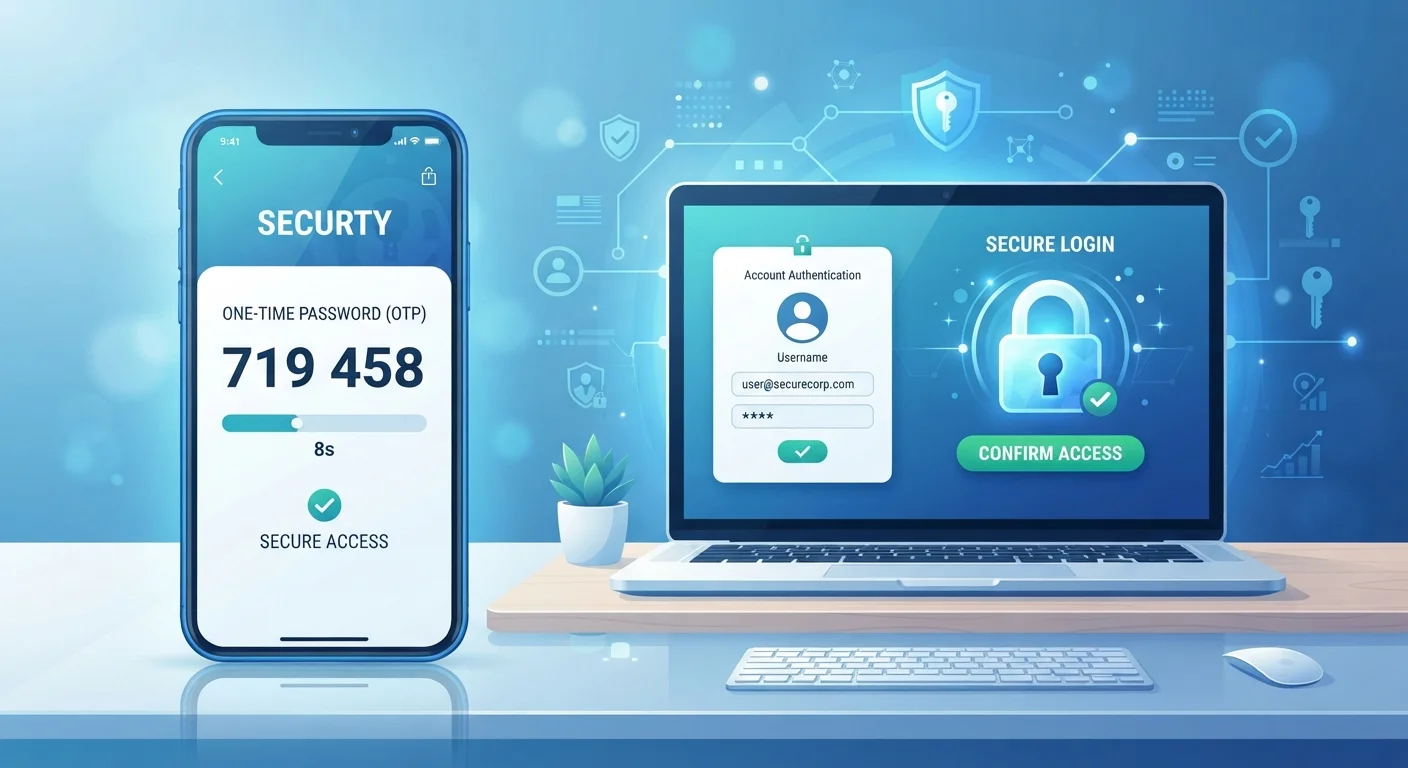
Pairing a password manager with two-factor authentication significantly reduces most of the residual risks. If your master password were somehow compromised, an attacker would still need a second verification factor to access your accounts. You can find a step-by-step review of your account security in the Online Safety Audit checklist.
What Happens If the Provider Is Breached?
Several password manager providers have experienced security incidents over the years. In most cases, attackers obtained encrypted vault data - not readable passwords. The key protection is zero-knowledge encryption: without your master password, encrypted vault contents are effectively useless to an attacker. This underscores why the master password itself must be strong and not reused anywhere else.
Getting Started Without the Overwhelm
The most common reason people delay adopting a password manager is the perceived effort of migrating existing accounts. In practice, you don't need to change everything at once. Most people start by saving credentials as they log in naturally, then gradually replace weak or reused passwords when prompted by the manager or when a site flags a breach.
Choosing a strong master password is the single most important setup decision. Aim for a long passphrase - a sequence of unrelated words or a memorable sentence - rather than a short string of symbols. Write it down and store it somewhere physically secure, separate from your devices.
For a complete view of other password habits that leave accounts vulnerable, see Password Habits That Leave Your Accounts Exposed. Building awareness around all credential-related behaviors, not just storage, gives you the most complete protection.