What Each Approach Actually Does
A password is a single shared secret - you know it, and so does the site's server. When you type it correctly, the system assumes you are who you claim to be. That assumption has always had a weakness: anyone who learns the password can impersonate you. As our explainer on password compromise details, even complex passwords are regularly exposed through data breaches, phishing attacks, and credential-stuffing tools - none of which require any mistake on your part.
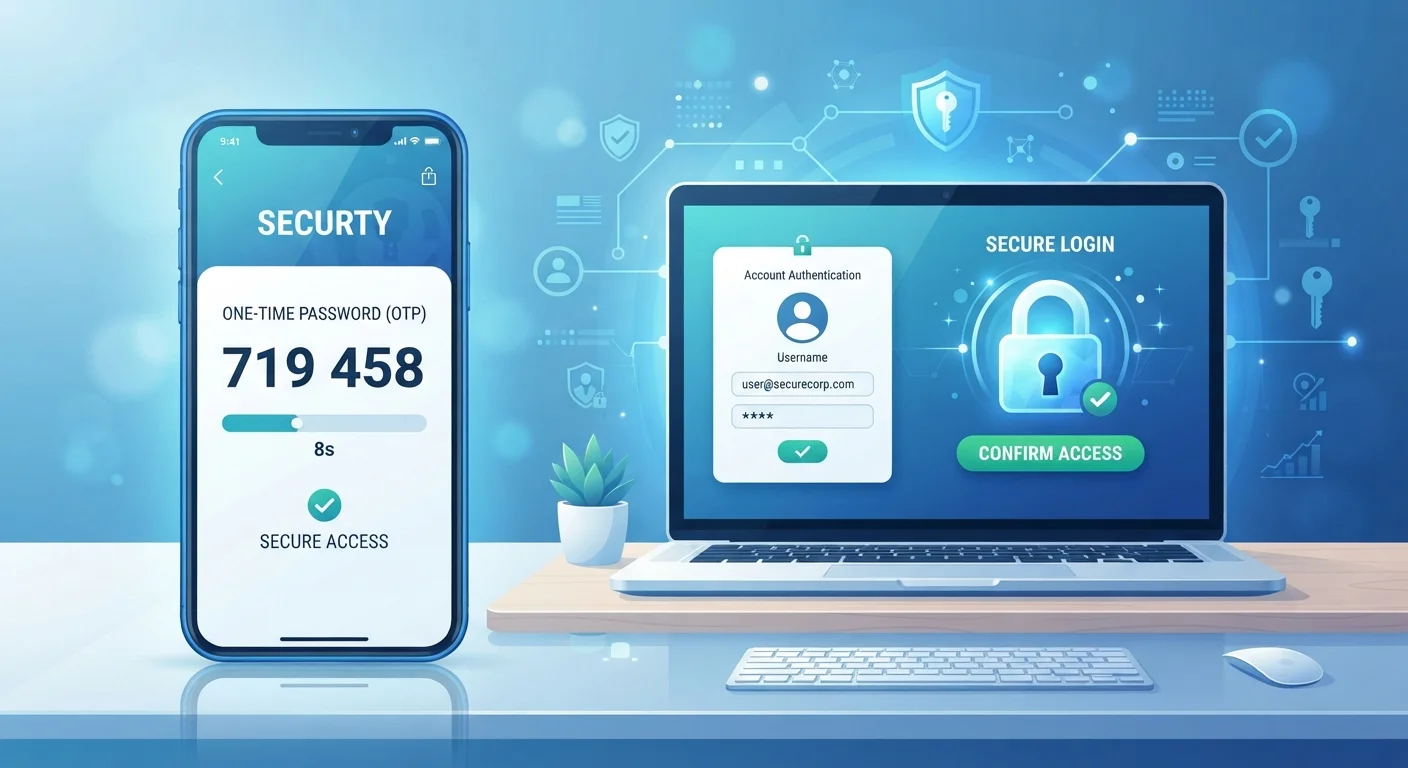
Two-factor authentication (2FA) adds a second, independent check. After you enter your password, the system asks for a second proof of identity - something only you physically have or can generate in the moment. The two most common forms are a time-sensitive code sent by SMS text message, or a six-digit code generated by an authenticator app on your phone. Some services use a hardware security key, a biometric scan, or an in-app approval prompt instead.
The core principle: even if an attacker steals your password, they still cannot log in without that second factor. The stolen credential alone is not enough.
| Criterion | Passwords Alone | Two-Factor Authentication (2FA) |
|---|---|---|
| Protection if password is stolen | None - access is immediate | Strong - second factor still required |
| Protection against phishing | Low - credentials captured directly | Moderate to high - depends on 2FA type |
| Protection against data breaches | None - exposed credentials work elsewhere | High - stolen password unusable alone |
| Login convenience | Faster - one step only | Slight delay - one extra step required |
| Setup complexity | Minimal | Low to moderate - takes 5-10 minutes per account |
| Risk of lockout | Low (if password remembered) | Low with backup codes stored safely |
| Recommended for high-value accounts | No | Yes - strongly |
Why Passwords Alone Keep Failing
The problem is not that passwords are a bad idea - it is that the conditions under which they operate have changed dramatically. Billions of username-and-password combinations are available on criminal markets, harvested from years of major breaches at companies large and small. Automated tools can test thousands of credential combinations per second across multiple sites simultaneously.
Password reuse multiplies the damage. If you use the same password on a low-security forum as you do on your email account, a breach of the forum hands attackers a key to your inbox. Your email account, in turn, is often the recovery route for your bank, your health portal, and your workplace systems - making it an especially consequential target. See common password habits that expose accounts for a closer look at how these risks compound.
80%+
Breaches involving compromised credentials
Verizon's annual Data Breach Investigations Report has consistently found that the majority of hacking-related breaches exploit stolen or weak passwords.
~50%
US adults who reuse passwords across accounts
Multiple consumer surveys, including research published by Google and Harris Poll, have found roughly half of Americans reuse passwords on multiple sites.
99%+
Automated account attacks blocked by MFA
Microsoft has reported that enabling multi-factor authentication blocks over 99% of automated credential-stuffing and password-spray attacks on accounts.
The practical takeaway: password strength matters, but it cannot fully compensate for a threat landscape that operates at machine speed and scale.
Comparing the Two Approaches Head to Head
Understanding where each approach succeeds - and where it falls short - helps you make smarter decisions about which accounts to prioritize. The comparison above captures the key dimensions, but a few points deserve extra context.
SMS-based 2FA vs. authenticator apps: A one-time code sent by text message is meaningfully more secure than a password alone, but it carries its own vulnerabilities. SIM-swapping attacks, where a criminal convinces a carrier to transfer your phone number to their device, can intercept SMS codes. Authenticator apps (such as those that generate TOTP - Time-based One-Time Password - codes) are not dependent on your phone number and are generally considered more resistant to this threat.
The usability trade-off: 2FA adds a step to the login process, which some users find inconvenient. Most services mitigate this by letting you mark trusted devices, so you only need the second factor when logging in from somewhere new. For guidance on setting this up without risking a lockout, see our article on setting up 2FA safely.
Not All 2FA Is Created Equal
SMS text codes are better than nothing, but authenticator apps offer meaningfully stronger protection. If a service offers both options, an authenticator app (generating TOTP codes) is the better choice. Hardware security keys - physical devices that plug into your computer or tap to your phone - represent the strongest option available, though they're typically used for the highest-security accounts. When you set up 2FA, also save any backup codes the service provides in a secure location; these are your recovery option if you lose access to your second-factor device.
Where to Start: Prioritizing Your Accounts
You don't need to enable 2FA on every account simultaneously. A practical approach is to start with the accounts that would cause the most harm if compromised: your primary email, your bank and financial accounts, your phone carrier account, and any account storing medical or tax information.
Pairing 2FA with a password manager addresses both layers at once - unique, strong passwords for every account, plus a second factor protecting access. Together they close most of the common attack vectors that affect everyday consumers.
For a structured way to find remaining gaps across all your accounts and devices, work through the steps in our online safety audit checklist. It covers password reuse, outdated permissions, and other exposures that 2FA alone won't catch.
Security is not about achieving perfection - it is about making unauthorized access harder than it is worth for an attacker. Two-factor authentication is one of the few steps that demonstrably shifts that equation in your favor.