Why Password Habits Matter More Than Ever
Most account compromises don't involve a sophisticated hacker targeting you personally. They happen because a password you used somewhere years ago showed up in a breach database, and an automated tool tried it everywhere else. The good news is that the habits driving this risk are entirely changeable - and the fixes don't require technical expertise.
For a broader look at where password security fits into your overall digital life, the Online Safety hub is a useful starting point. This article focuses specifically on the mistakes most likely to leave your accounts open - and exactly what to do about each one.
81%
Of breaches involve weak or reused passwords
According to Verizon's Data Breach Investigations Report, the majority of hacking-related breaches exploit weak, default, or stolen credentials.
15B+
Stolen credentials available on the dark web
Digital Shadows (now ReliaQuest) estimated more than 15 billion stolen usernames and passwords were circulating in criminal marketplaces, underscoring how widespread credential exposure has become.
99.9%
Of automated attacks blocked by MFA
Microsoft's security research found that enabling multi-factor authentication blocks the vast majority of automated credential-stuffing and password-spray attacks.
The Most Costly Password Mistakes - and How to Fix Them
Each of the errors below is common, understandable, and fixable. Work through them in order and you'll meaningfully reduce your exposure across every account you hold.
Reusing the same password across multiple accounts.
Why it happens: Remembering a unique password for every service feels impractical, so most people default to one or two favorites they've used for years.
Creating passwords from predictable patterns - names, dates, or simple substitutions like "P@ssw0rd."
Why it happens: People assume that swapping letters for symbols makes a password strong, but attackers' cracking tools are trained on exactly these patterns.
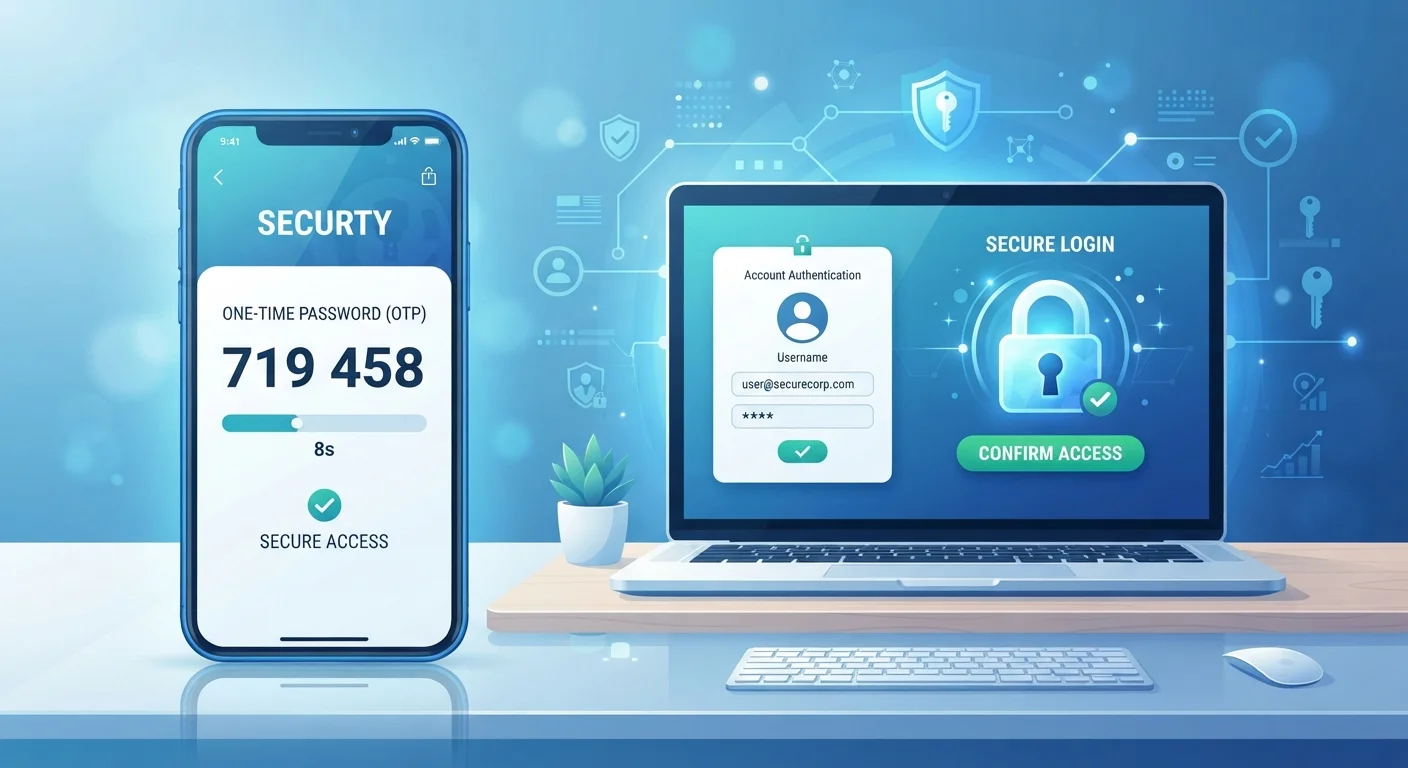
Skipping two-factor authentication (2FA) because it feels like an extra hassle.
Why it happens: The extra step feels disruptive, especially for accounts people access frequently, so users opt out during setup or dismiss prompts to enable it.
Ignoring breach alerts and notifications from services.
Why it happens: Breach emails look generic and arrive unexpectedly, making them easy to dismiss as phishing attempts or marketing noise.
Storing passwords in browser autofill without a master password or device lock.
Why it happens: Browser-saved passwords are convenient and invisible, so users rarely think about the exposure they create if a device is lost, stolen, or shared.
One Breached Password Can Cascade
When a site you use suffers a data breach, any account sharing that same password becomes immediately at risk. Attackers use automated tools - a technique called credential stuffing - to test stolen credentials across hundreds of sites within hours. This is why password reuse is the single most dangerous habit covered in this article.
Once you've addressed these habits, the Online Safety Audit checklist can help you verify nothing has been missed across your devices and accounts. And if you're ready to set up 2FA properly without the risk of locking yourself out, see Setting Up Two-Factor Authentication Without Getting Locked Out.
Don't Dismiss Breach Notification Emails
Services like HaveIBeenPwned and many major platforms now send alerts when your credentials appear in a known data breach. These emails are not spam - treating them as such and deleting them unread gives attackers days or weeks of uncontested access to your account. When you receive a breach notification, change the affected password immediately and check whether you used it anywhere else.
Building Habits That Stick
Security improvements only help if they become routine. Start with the accounts that matter most - email and banking - since those are the ones attackers value highest and the ones that unlock access to everything else. Add a password manager, enable 2FA on your top five accounts this week, and expand from there.
Stronger digital security and stronger financial security often go hand in hand. The Everyday Money Tips hub covers how better habits across both areas compound over time. Small, consistent changes - like the ones outlined here - add up to a substantially harder target for would-be attackers.
This article is for general informational purposes only. It does not constitute professional cybersecurity or legal advice. For concerns about a specific breach or account compromise, consult your service provider's official support resources.