The Three Numbers That Define Your Connection
When you run a speed test or glance at your internet plan details, three figures tend to dominate: download speed, upload speed, and ping. Each one measures something distinct, and each one affects a different slice of your online life. Lumping them all under the vague label of "internet speed" causes a lot of unnecessary confusion.
| Unit of measurement | Megabits per second (Mbps) |
| Ping unit | Milliseconds (ms) |
| Typical fiber latency | Under 10ms |
| Typical satellite latency | 600ms or more (traditional GEO satellite) |
| FCC broadband minimum (download) | 25 Mbps (base definition as of prior standard; 100 Mbps proposed as updated benchmark) (FCC Broadband Speed Benchmark) |
| Recommended 4K streaming speed | 15-25 Mbps per stream |
Download speed is measured in Mbps (megabits per second) and describes how quickly data travels to your device. Streaming a show, loading a webpage, receiving an email attachment - all of these are download activities. Most household internet plans are optimized here because the majority of typical consumer activity pulls data down.
Upload speed measures the reverse: how fast data moves from your device to the internet. Sending a large file, posting a video, or sharing your screen in a meeting all depend on upload capacity. Asymmetric plans - which offer much lower upload speeds than download - are the norm for most cable and DSL connections.
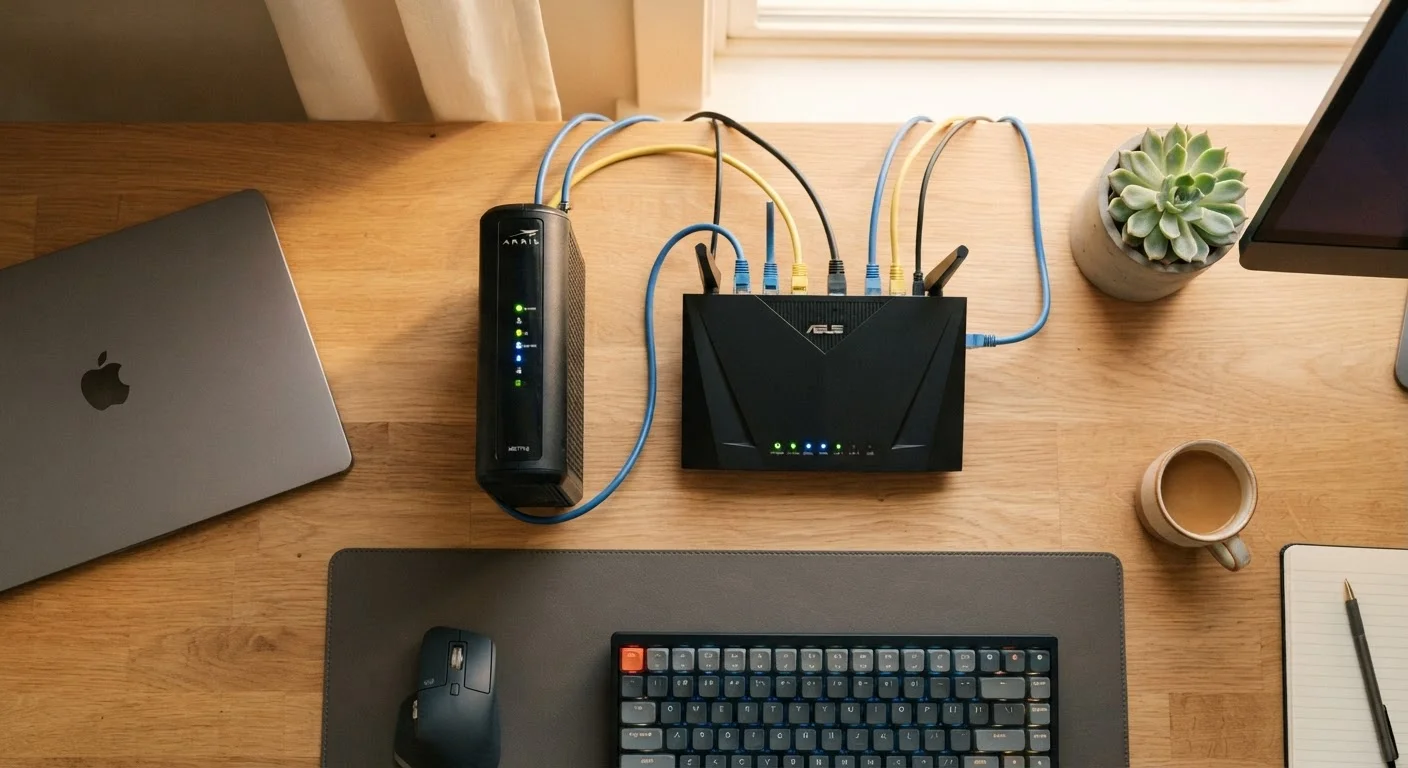
Ping, expressed in milliseconds (ms), measures how long it takes a small signal to travel from your device to a server and back. It is not about volume - it is about responsiveness. A low ping means quick back-and-forth communication; a high ping introduces noticeable delay. For a deeper look at how your home setup shapes all three numbers, see how modems and routers work together.
Latency vs. Ping: Clearing Up the Confusion
Ping and latency are often used interchangeably, but they are not identical. Latency is the broader concept - any delay in data transmission across a network. Ping is the specific measurement used to test latency in practical, real-world conditions.
Download speed
The rate at which data is transferred from the internet to your device, measured in Mbps. Higher download speeds support faster streaming, browsing, and file retrieval.
Upload speed
The rate at which data travels from your device to the internet. Relevant for video calls, cloud backups, and sharing files. Often lower than download speed on standard plans.
Latency
The total delay in data transmission across a network, measured in milliseconds. Lower latency means faster responsiveness for real-time applications like gaming and video calls.
Ping
A practical test of latency that measures the round-trip time for a signal between your device and a remote server. Expressed in milliseconds (ms).
Jitter
Variability in ping over time. High jitter causes choppy or inconsistent performance even when average latency appears acceptable.
Bandwidth
The maximum capacity of a network connection - how much data can move through it at once. Often used loosely as a synonym for speed, though technically they are distinct.
What causes latency to be high? Physical distance to servers is one factor. Network congestion - too many devices or too many users sharing infrastructure - is another. The type of internet connection matters too: satellite internet traditionally carries high latency (often 600ms or more) because signals travel to orbit and back, while fiber-optic connections typically achieve latency under 10ms.
Latency is what gamers call "lag" and what video callers experience as that awkward half-second pause before someone responds. A connection with 300 Mbps download speed but 200ms latency will feel sluggish for real-time applications, even though the raw speed looks impressive on paper.
What These Numbers Actually Mean for Daily Tasks
Different activities stress different parts of your connection. Here is how to think about each scenario:
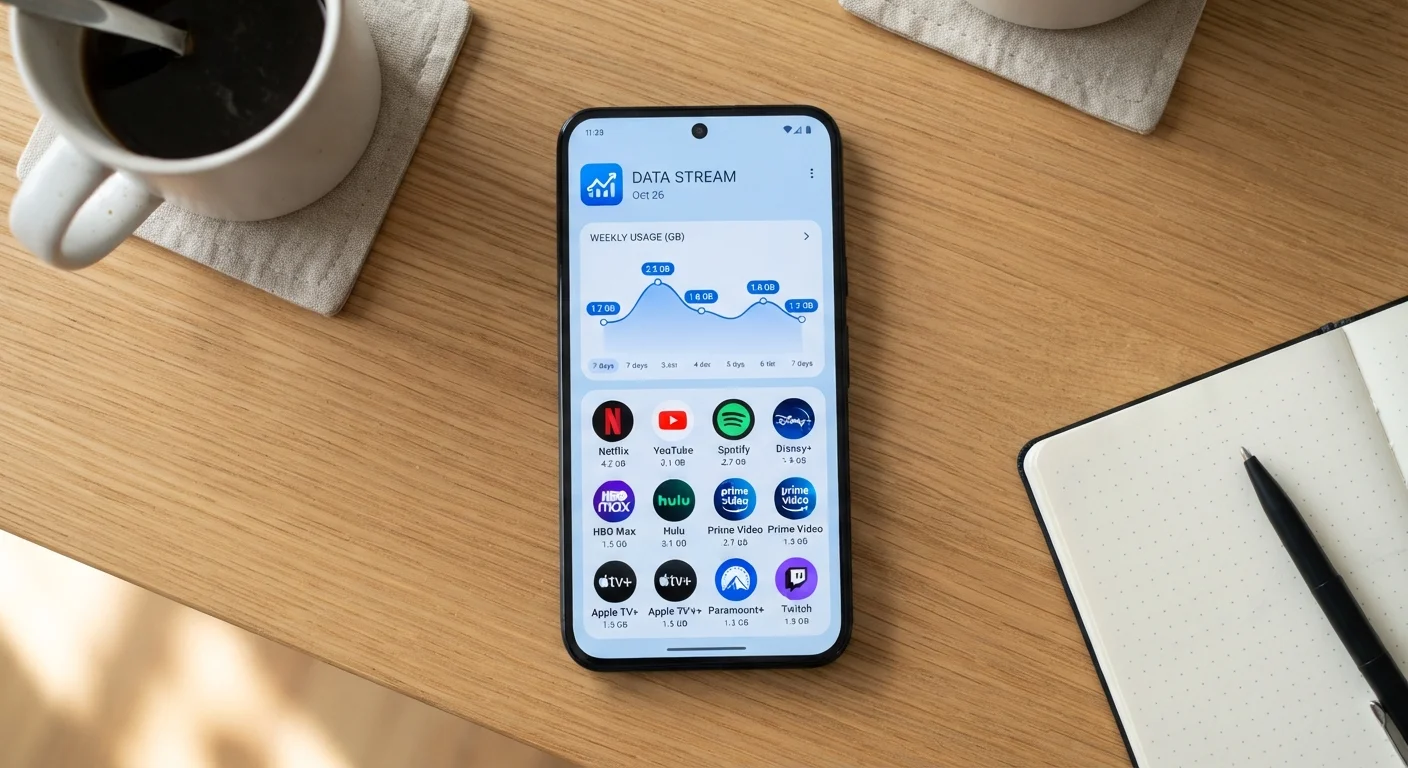
- Streaming video: Primarily a download-speed issue. Standard definition video generally requires around 3-5 Mbps; 4K Ultra HD can demand 15-25 Mbps or more depending on the service and compression method. Latency matters little here because content is buffered ahead of playback. To understand how quality settings affect data consumption, see how streaming apps consume data.
- Video calls: Both upload and download speeds matter, and latency becomes critical. A call that stutters or echoes is often a latency or upload problem, not a download problem. Most video conferencing services recommend at least 1.5 Mbps upload per active participant stream.
- Online gaming: Raw speed is rarely the bottleneck. Latency is paramount. A connection with 50 Mbps and 20ms ping will support gaming far better than one with 200 Mbps and 90ms ping.
- Remote work and file transfers: Large uploads - sending design files, backing up to cloud storage, syncing a shared drive - depend heavily on upload speed. If upload is slow, these tasks create bottlenecks even when downloads feel fast.
- General browsing: Even modest connections handle browsing well. Most webpage loads involve small payloads; latency has a more visible effect here than raw throughput.
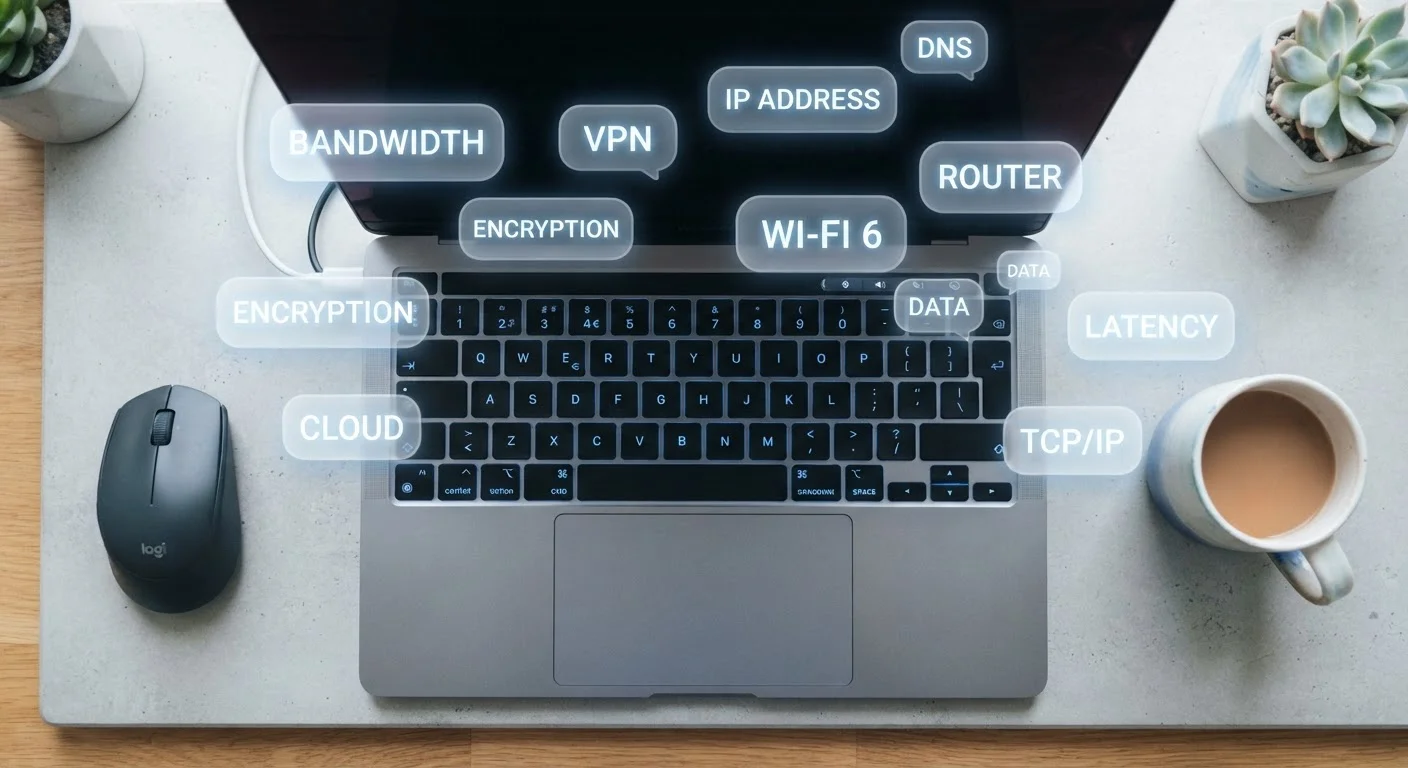
Familiar with terms like bandwidth or IP address but unsure how they connect? A plain-English internet glossary covers the broader vocabulary around your connection.
How to Read a Speed Test Result
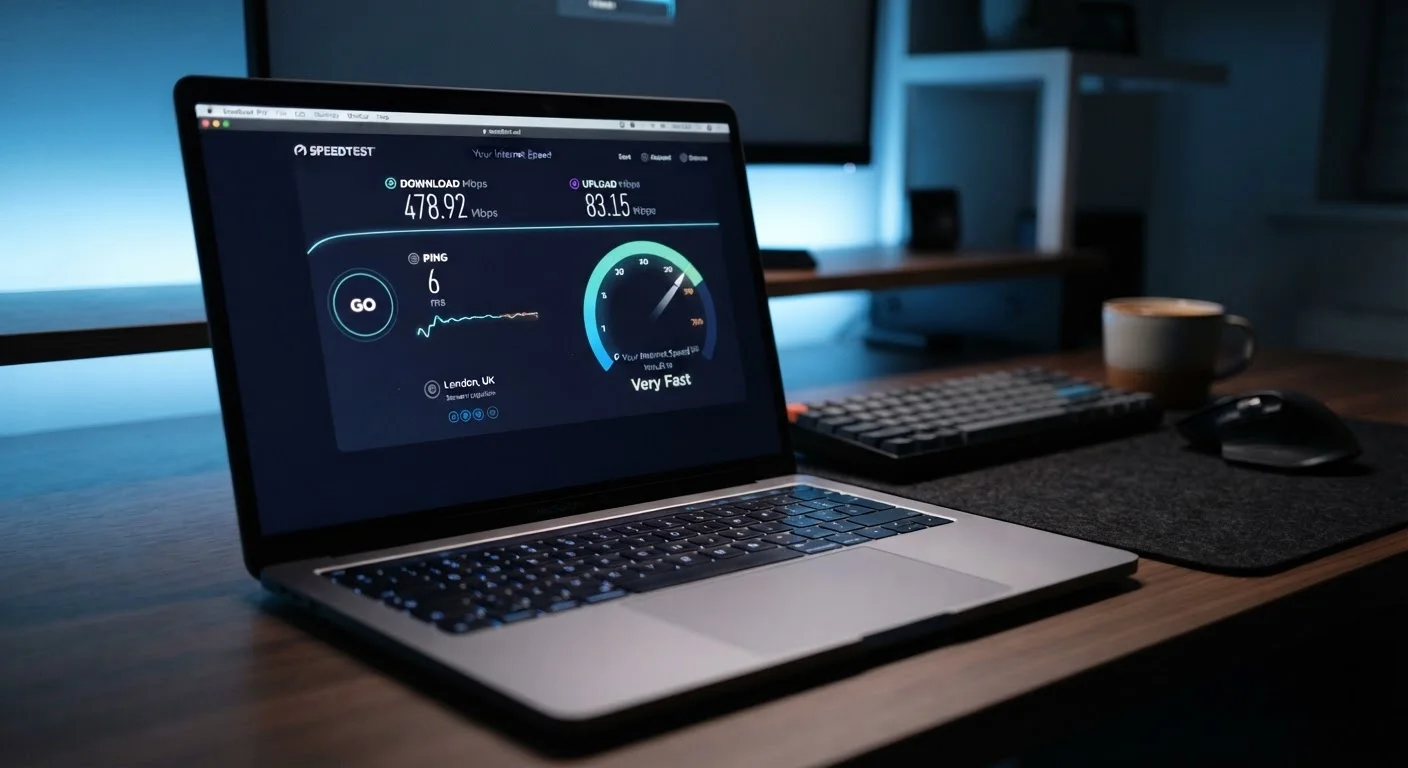
Free browser-based speed tests give you a practical snapshot of your connection at a given moment. They measure download speed, upload speed, and ping - and sometimes jitter (the variability in ping over time). A few caveats worth knowing:
- Results reflect conditions at the moment of testing. Network congestion during peak evening hours will produce different numbers than a midday test.
- Running a test over Wi-Fi measures your wireless signal, not your raw connection. For a baseline of your actual service, use a wired Ethernet connection when testing.
- Your advertised plan speed is a maximum, not a guarantee. Real-world speeds are typically lower due to network overhead, distance from infrastructure, and household device sharing.
- Jitter below 30ms is generally considered acceptable for most applications; high jitter causes choppy audio and inconsistent video even when average ping looks reasonable.
If your results consistently fall well below your plan's advertised speeds, contact your provider with documented test results from multiple times of day. Providers are generally expected to deliver speeds reasonably close to advertised figures under normal conditions.