Why Suspicious Emails Are Still So Effective
Email-based fraud remains one of the most common entry points for identity theft, financial loss, and account compromise - not because people are careless, but because attackers have gotten very good at mimicking legitimacy. Modern phishing messages can replicate the visual style of real companies, spoof trusted sender names, and exploit psychological pressure points with precision. For a deeper look at why these messages work even on careful readers, see why phishing emails still fool smart people.
This guide focuses on something more immediate: the concrete, observable signals that an email is not what it claims to be. Treat it as a field reference - something to consult when your instincts say something feels off.
| Most common phishing lure | Impersonation of financial institutions or major online services (Anti-Phishing Working Group (APWG) trend data) |
| Primary psychological lever | Urgency or fear of account loss (Widely documented in cybersecurity behavioral research) |
| Key first check | Actual sending domain, not the display name |
| US reporting destination | FTC at ReportFraud.ftc.gov (Federal Trade Commission) |
| Safe verification method | Navigate to the organization's site manually; never use links in the email |
The Most Reliable Red Flags to Check First
Before reading a single word of message content, examine these structural elements:
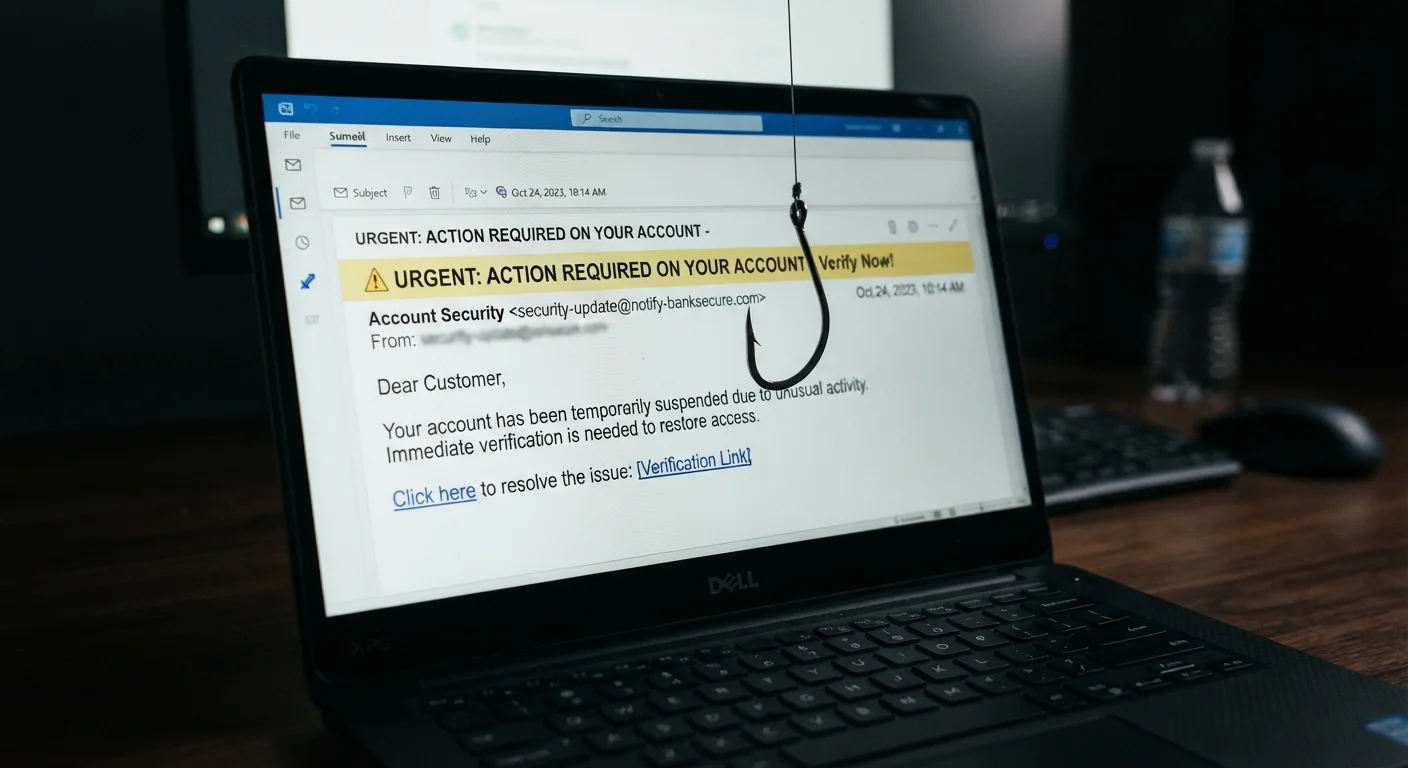
- Sender address vs. display name mismatch. The name shown in your inbox can say anything - "PayPal Security Team" - while the actual sending address reveals the truth. Always expand or hover over the sender field to see the real email address. Legitimate institutions send from their own domains (e.g., @paypal.com), not from free webmail accounts or misspelled variants like @paypa1.com.
- Domain lookalikes. Attackers register domains one character off from real ones - substituting letters, adding hyphens, or inserting extra words (support-amazon-helpdesk.com, for example). Scrutinize the portion after the @ sign carefully.
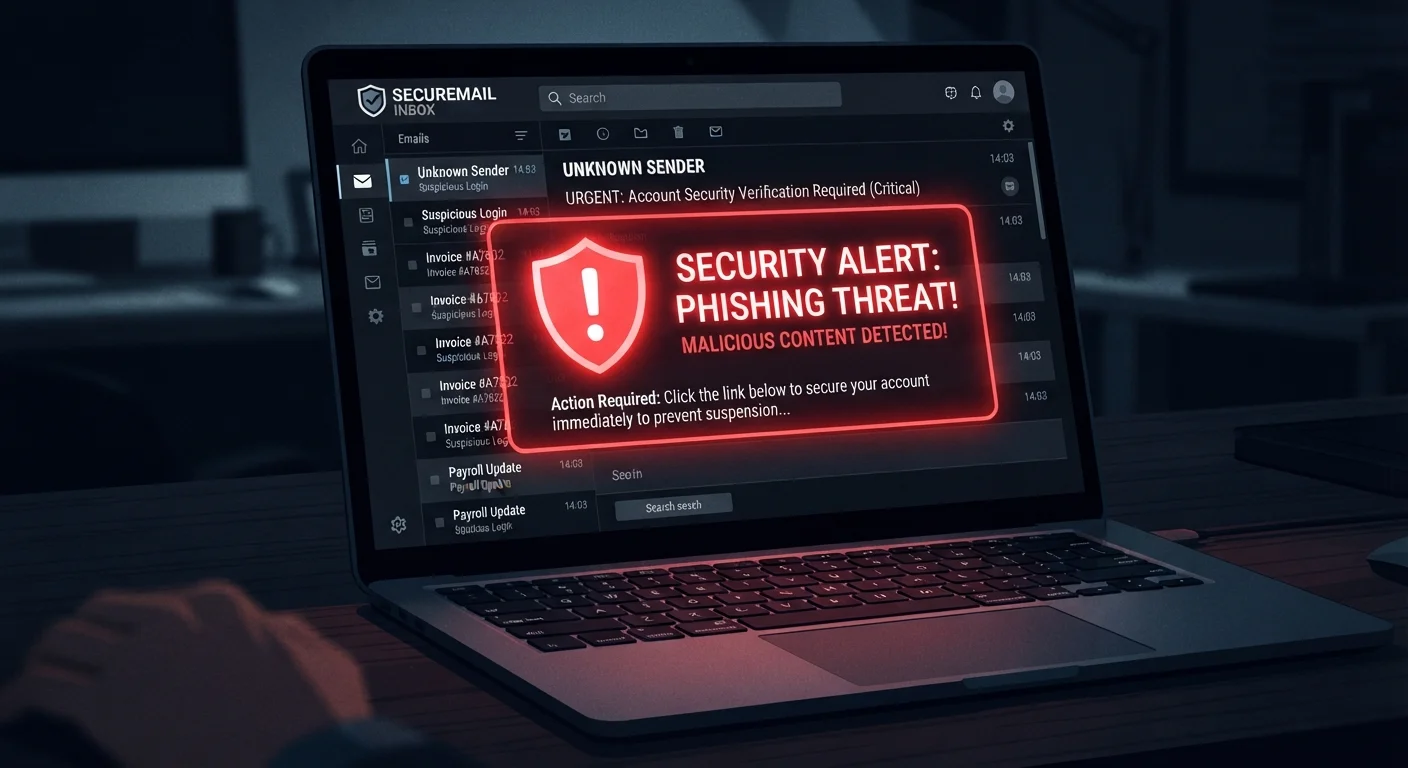
- Urgency and threat language. Phrases like "Your account will be closed in 24 hours," "Immediate action required," or "Suspicious activity detected" are engineered to override careful thinking. Legitimate organizations rarely demand split-second decisions via email.
- Generic salutations. Real companies that hold your account typically address you by name. "Dear Customer" or "Hello User" often indicates a mass-sent phishing attempt.
- Unexpected attachments or links. Be especially skeptical of attachments you didn't request and links whose destination URL doesn't match the linked text. Hover over any link (without clicking) to preview where it leads.
Phishing
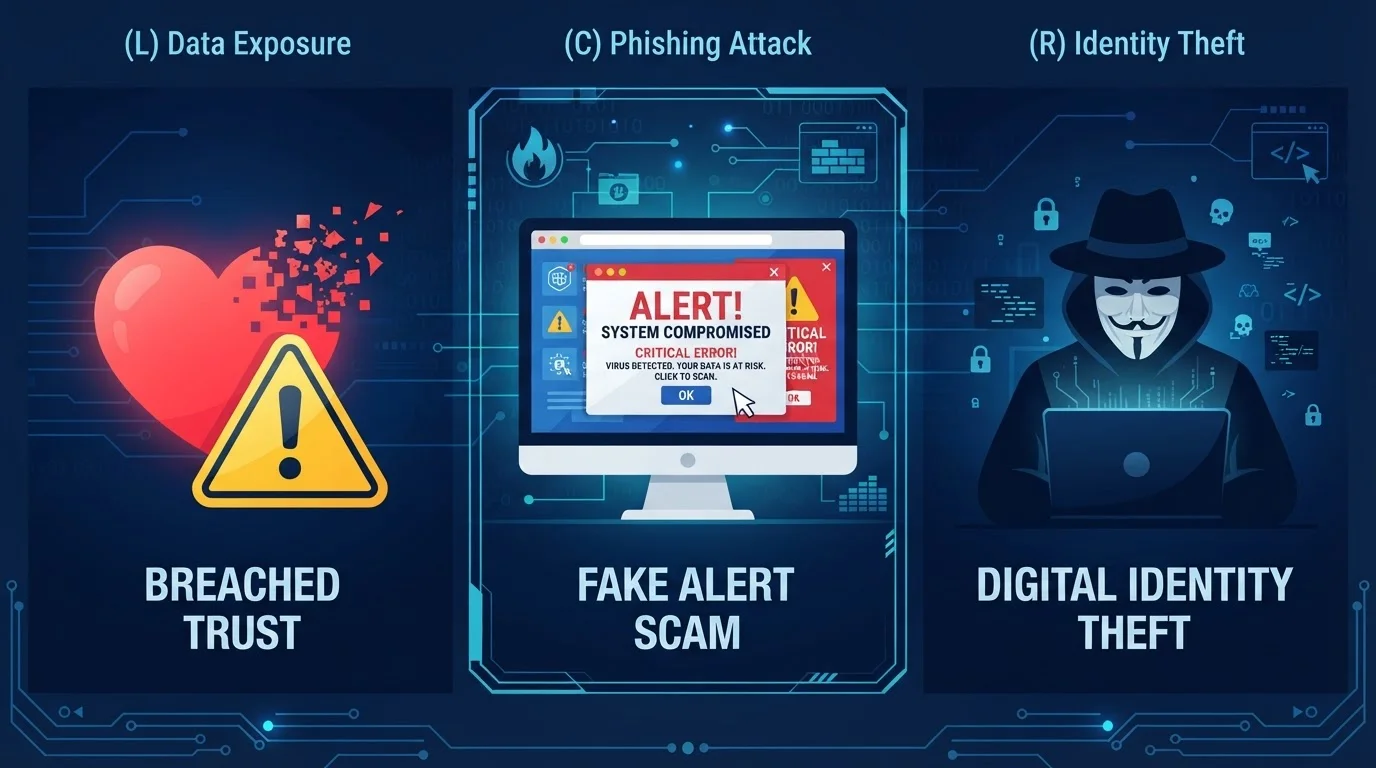
A type of fraud in which attackers impersonate trusted entities via email to trick recipients into revealing sensitive information or clicking malicious links. The term derives from "fishing" - casting wide nets hoping someone bites.
Sender spoofing
A technique where the visible "From" name in an email is set to something trustworthy, while the actual sending address is entirely different. It exploits the fact that most email clients show only the display name by default.
Domain lookalike
A fraudulent web domain designed to visually resemble a legitimate one, often differing by a single character, hyphen, or extra word. Used to deceive recipients who don't examine addresses closely.
Spear phishing
A targeted phishing attack aimed at a specific individual or organization, using personalized details to appear more credible than generic mass-sent attempts. Often harder to detect than standard phishing.
Social engineering
Manipulation tactics that exploit human psychology - trust, fear, urgency, or authority - rather than technical vulnerabilities. Most email fraud relies heavily on social engineering to succeed.
Reply-to hijacking
A method where a fraudulent email is sent from a seemingly legitimate address, but the reply-to field is set to a different, attacker-controlled address, ensuring any response goes to the fraudster.
Beyond structural signals, pay attention to the email's ask. Legitimate businesses do not request passwords, Social Security numbers, or payment information over email. Any message that does should be treated as fraudulent until proven otherwise. These tactics are a core feature of social engineering attacks, which exploit trust rather than technology.
Secondary Signals Worth Noting
Once you've cleared the primary checks, secondary signals can add further confidence - or raise additional concern:
- Poor grammar and inconsistent formatting. While AI tools have improved the writing quality of fraudulent emails, many still contain awkward phrasing, unusual punctuation, or mixed fonts - signs of hastily assembled or automatically translated content.
- Mismatched branding. Compare the logo, color scheme, and footer language against what you'd see on the organization's actual website. Off-brand visuals, missing physical addresses, or absent unsubscribe links are meaningful signals.
- Reply-to address differs from sender. Some phishing messages are sent from a legitimate-looking address but route replies to a completely different account. Check the reply-to field before responding to any sensitive message.
- Unsolicited prize or refund claims. You didn't enter a contest. You're not due a government refund for an unspecified reason. These are harvesting attempts designed to get you to voluntarily hand over personal details.
When in Doubt, Verify Out-of-Band
If an email creates any uncertainty - even minor - the safest response is to contact the supposed sender through a completely separate channel. Look up the organization's phone number or website independently, not from information within the email itself. This one habit eliminates most risk from even well-crafted impersonation attempts. No legitimate sender will penalize you for taking an extra minute to verify.
Understanding the full range of fraud types - including impersonation schemes that arrive via channels beyond email - is covered in detail in our look at romance scams, tech support fraud, and impersonation tactics.
What to Do When You Spot a Suspicious Email
Recognition is only half the equation. Here's the low-risk response protocol:
- Do not click any links or open attachments. Even previewing an attachment can trigger malicious scripts in some email clients.
- Do not reply. Replying confirms your address is active and monitored, which invites more attempts.
- Verify independently. If the email claims to be from your bank or a service you use, go directly to that organization's website by typing the URL manually, or call the number on the back of your card. Do not use contact information provided in the suspicious email.
- Report it. Most email providers have a "Report phishing" or "Mark as spam" option. In the US, you can also forward phishing emails to the Anti-Phishing Working Group at reportphishing@apwg.org, or report them to the FTC at ReportFraud.ftc.gov.
- Delete it. Once reported, remove the message from your inbox and trash.
Building a habit of pausing before acting on any email that requests information or creates urgency is one of the most effective proactive measures available to everyday users. For a broader set of preventive habits, explore digital safety practices worth building before something goes wrong.
3.4 billion
Phishing emails sent globally per day
Estimates from cybersecurity industry reports indicate phishing remains the most voluminous form of cybercrime delivery.
36%
Of data breaches involving phishing
According to Verizon's Data Breach Investigations Report, phishing consistently accounts for a significant share of confirmed breach entry points.