What Notifications Actually Do to Your Brain
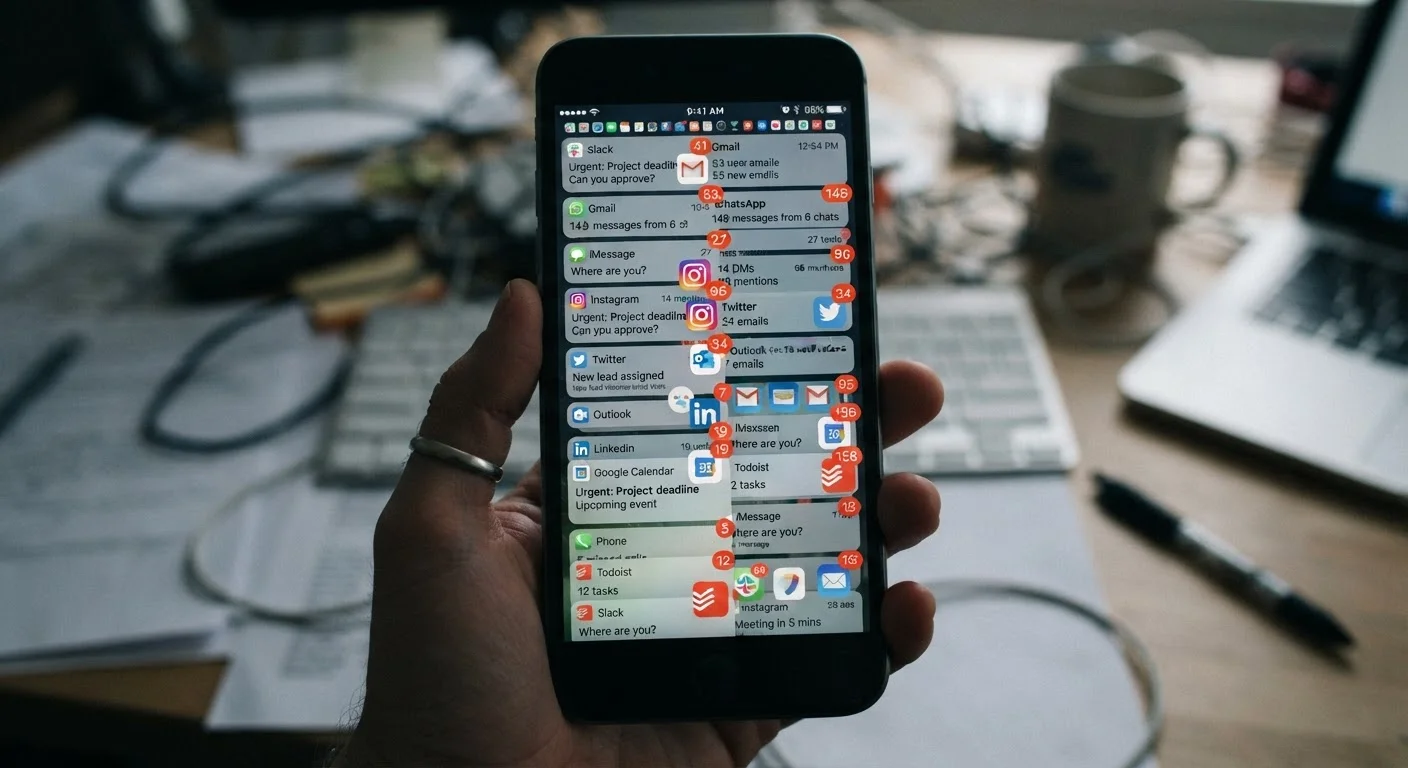
Every time an alert pings your phone, your brain does something involuntary: it redirects a portion of its attentional resources toward the source of that signal. This is a deeply wired survival response - humans are primed to notice sudden environmental changes. The problem is that modern apps exploit this same wiring, generating dozens of interruptions each day in contexts where immediate response is rarely required.
What makes this particularly costly is the concept of task-switching overhead. When your attention shifts - even for a second - your brain must actively disengage from its current task, register the new input, and then reorient back to what it was doing. Studies from the fields of cognitive psychology and human-computer interaction consistently show this re-engagement process is far slower than it feels. Research affiliated with the University of California, Irvine has suggested that recovering full focus after an interruption can take upward of 20 minutes in some task environments.
Crucially, you don't even need to read the notification for this cost to occur. Studies indicate that the mere presence of a phone - or the sound and vibration of an alert - is enough to divert measurable cognitive resources away from the task at hand.
65-80
Average daily notifications per smartphone user
Industry and academic estimates consistently place average daily notification volume in this range for US smartphone users, with heavier app users receiving significantly more.
20+ min
Time to regain deep focus after interruption
Research from the University of California, Irvine found that recovering full attention after a workplace interruption can take more than 20 minutes in complex task environments.
~2x
Error rate increase during interrupted tasks
Studies in cognitive psychology have found that interrupted task performance is associated with significantly higher error rates compared to uninterrupted completion of the same tasks.
Why Apps Are Designed This Way
Notification volume isn't accidental. Many consumer apps are designed with engagement metrics in mind - the more often a user opens the app, the more valuable the platform is to advertisers and to the business model overall. Alerts are one of the primary mechanisms used to pull users back in. This isn't unique to social media; productivity apps, retail platforms, news aggregators, and even utility apps frequently default to aggressive notification schedules.
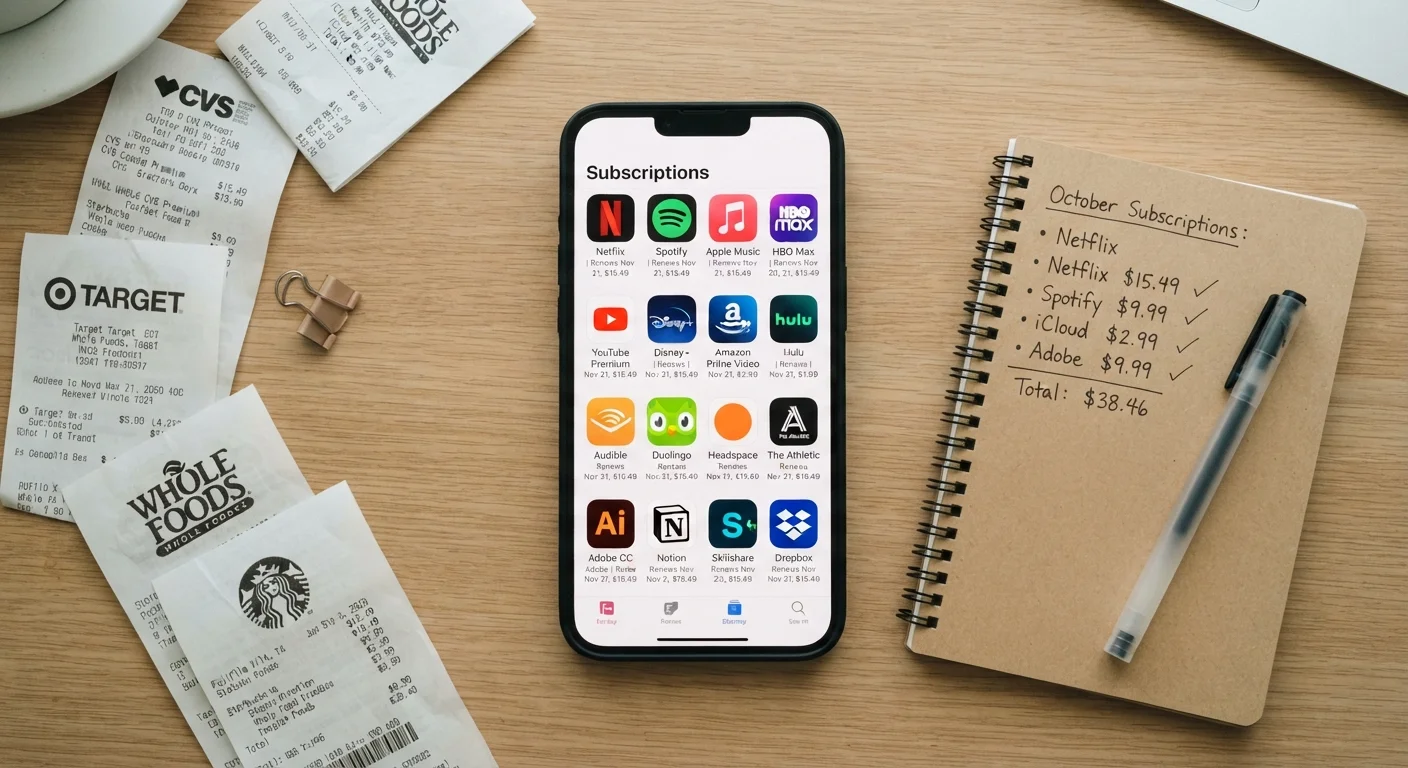
The result is that most people's notification settings reflect the default preferences of dozens of separate development teams - not their own considered choices. Checking your app subscription and usage habits periodically reveals just how many apps have accumulated permissions without any active decision on your part.
Understanding this dynamic isn't about distrusting technology - it's about recognizing that default settings are designed to serve the app, not necessarily the user.
The Compound Effect on Deep Work
Fragmented attention doesn't just make individual tasks slower - it affects the quality of thinking itself. Sustained, complex cognitive work - the kind involved in writing, problem-solving, analysis, or creative output - requires what researchers call a state of deep focus. This state takes time to enter and is easily broken. An environment saturated with notifications makes this cognitive mode structurally harder to reach and maintain.
This effect compounds across a workday. If your attention is interrupted every few minutes, you may spend the majority of your working hours in a state of shallow engagement rather than deep concentration. Over time, some researchers suggest, habitual interruption can even shift baseline attention patterns, making sustained focus feel effortful even in quiet environments.
It's worth noting that physical environments play a role too - the organization of your workspace interacts with digital interruptions in ways that can either amplify or dampen the overall cognitive load you carry during focused work. And if you work in a shared environment, protecting focus in open or collaborative spaces requires both physical and digital strategies working together.
Start With a One-Week Notification Audit
For one week, each time a notification arrives, ask yourself: 'Did I need to know this immediately?' If the honest answer is no, go to that app's settings and disable its alerts. Most people discover within a few days that they can reduce their notification volume by 50-70% without any meaningful loss of information.
Practical Steps to Reclaim Your Attention
The good news is that notification overload is largely within your control to address. A structured approach works better than simply silencing everything at once, which can create anxiety about missed information.
- Conduct a notification audit. Open your device settings and review which apps have notification permissions. Revoke access for any app where real-time alerts aren't genuinely necessary - for most people, this is the majority of installed apps.
- Use scheduled Focus modes. Both iOS and Android have built-in tools to suppress alerts during defined time windows. Setting these around your peak focus hours creates predictable, protected blocks of attention.
- Batch your notification checks. Rather than responding to alerts as they arrive, designate two or three specific times per day to review and respond. This turns reactive behavior into a deliberate habit.
- Distinguish channels by urgency. Reserve true real-time alerts for only those channels where immediate awareness genuinely matters - a primary work messaging platform, for example - and use asynchronous channels for everything else.
These adjustments don't require cutting technology out of your life. They require making deliberate choices about when and how technology gets your attention, rather than leaving that decision to app defaults.