What Actually Separates Wired from Wireless
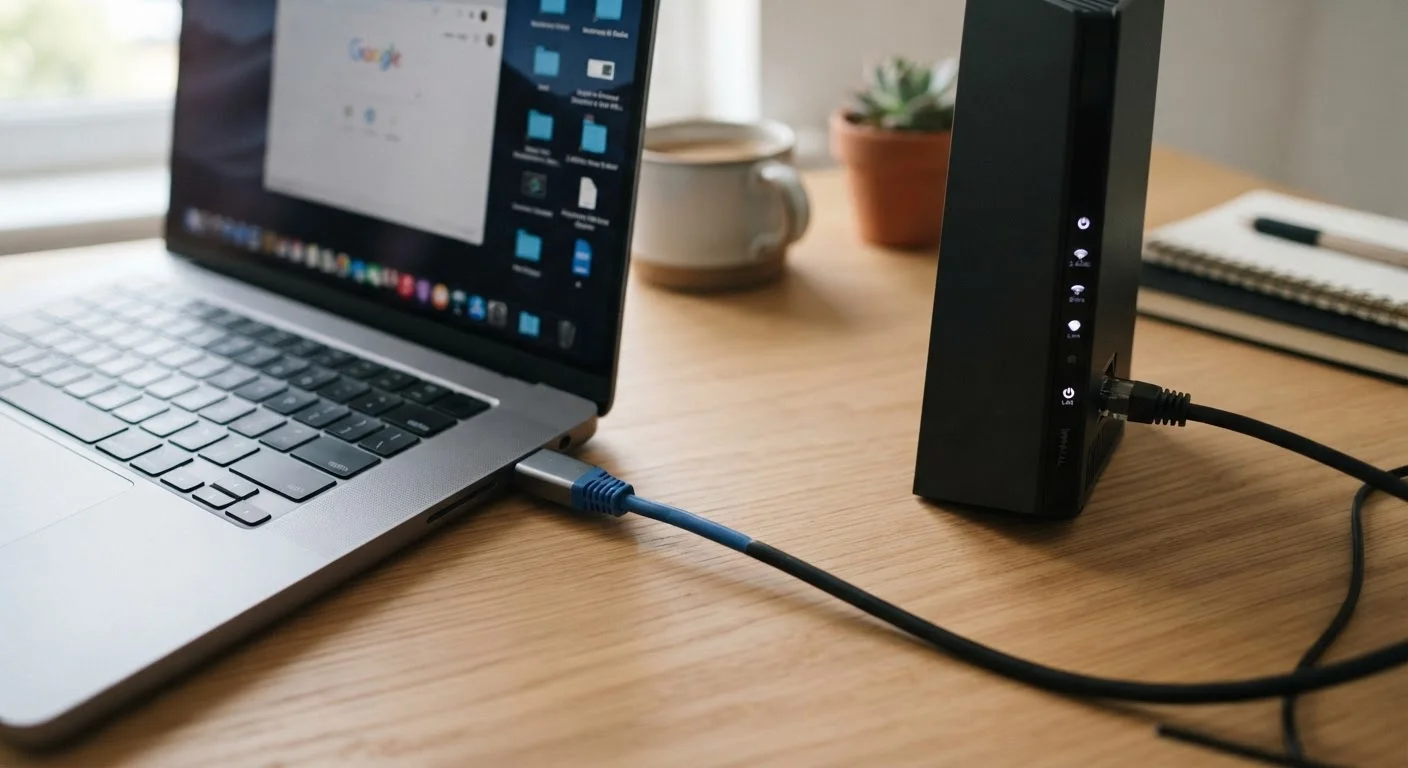
The difference between Ethernet and Wi-Fi isn't just about cables versus convenience - it comes down to how data physically travels between your device and your router. With Ethernet, data moves along a shielded copper or fiber cable in a direct, dedicated path. With Wi-Fi, data is transmitted as radio waves that can be absorbed, reflected, or disrupted by walls, appliances, neighboring networks, and even microwave ovens.
That physical distinction creates real-world differences in three areas that matter most to everyday users: speed, latency, and reliability. Understanding those trade-offs helps you make deliberate choices about how each device in your home connects - rather than defaulting to Wi-Fi simply because it's the path of least resistance.
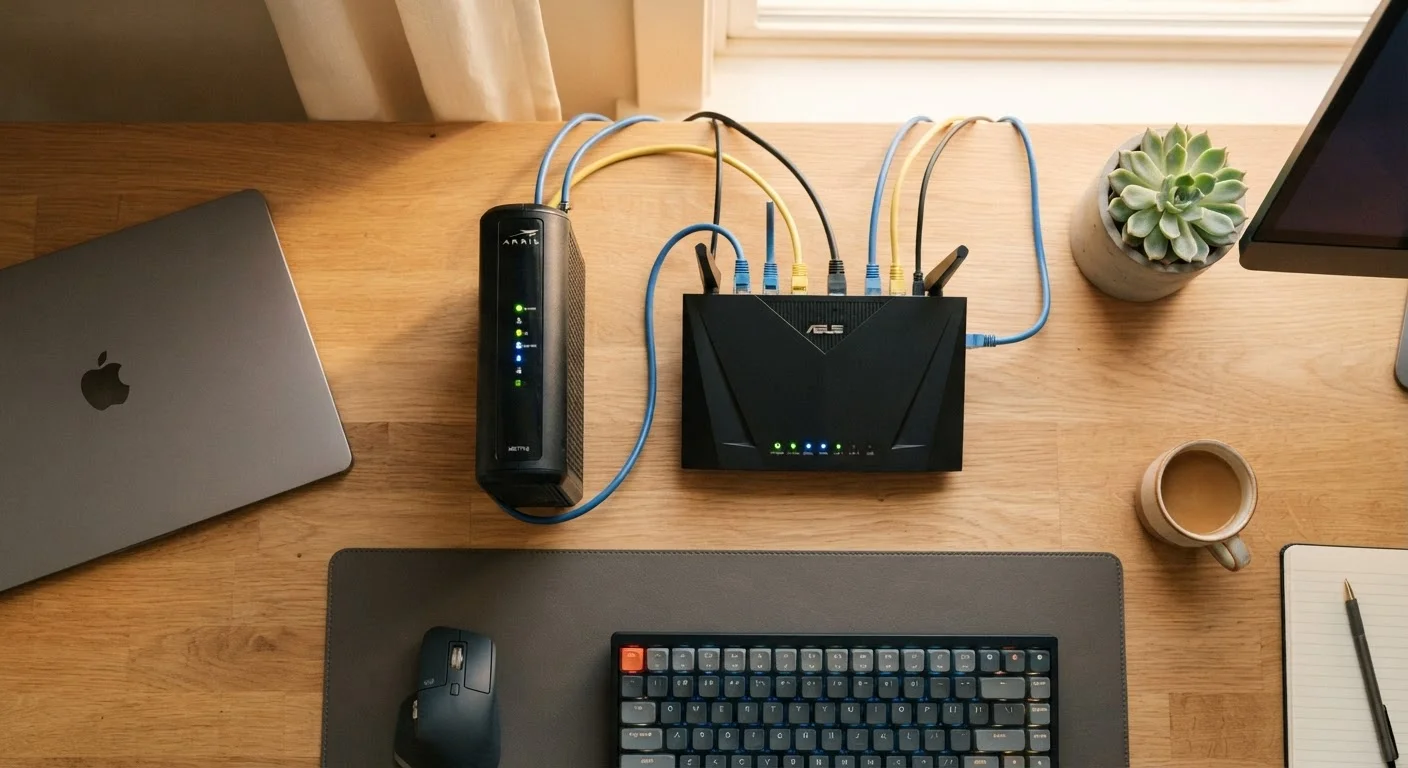
For a broader look at how routers and modems fit together, see how your home network is assembled.
| Criterion | Ethernet (Wired) | Wi-Fi (Wireless) |
|---|---|---|
| Typical real-world speed | Near line-rate (900+ Mbps on Gigabit) | Variable; drops with distance and interference |
| Latency | Low and consistent (often <5ms) | Higher and variable (10-50ms+ common) |
| Connection stability | Highly stable; no signal dropout | Can fluctuate due to interference or congestion |
| Security | Requires physical access to intercept | Radio signals extend beyond walls |
| Device compatibility | Desktops, consoles, smart TVs, some laptops | Smartphones, tablets, all wireless devices |
| Setup complexity | Requires cable routing | Plug-and-play for most devices |
| Best use case | Gaming, remote work, 4K streaming | Mobile devices, casual browsing, large homes |
Speed and Latency: Where the Numbers Tell the Story
Gigabit Ethernet - the standard on most modern routers and laptops - supports theoretical throughput of up to 1,000 Mbps, with real-world speeds typically in the 900 Mbps range over short cable runs. Consumer Wi-Fi (Wi-Fi 5 and Wi-Fi 6) can advertise comparable peak speeds in ideal conditions, but real-world performance drops significantly with distance, obstacles, and interference.
Latency - the time it takes data to make a round trip between your device and a server - is where wired connections hold their clearest edge. Ethernet latency in a home network commonly measures under 5 milliseconds. Wi-Fi latency varies more widely and can spike during periods of congestion or interference. For casual browsing or streaming, that difference is invisible. For online gaming or real-time video calls, it's noticeable.
<5ms
Typical Ethernet home network latency
Industry benchmarks consistently show Ethernet round-trip times below 5 milliseconds on standard Gigabit home setups.
~30%
Common Wi-Fi speed loss vs. rated maximum
Real-world Wi-Fi throughput frequently falls 20-40% below advertised speeds due to distance, walls, and network congestion.
Wi-Fi 6
Current mainstream wireless standard
Wi-Fi 6 (802.11ax) improves performance in dense device environments but still cannot fully close the stability gap with wired connections.
It's worth noting that your internet service plan's speed is often the binding constraint. If your plan delivers 200 Mbps, neither Ethernet nor Wi-Fi will exceed that ceiling - but Ethernet will get you closer to that ceiling, more consistently.
Security: The Case for Going Wired
Wi-Fi transmits radio signals that extend beyond your walls. Anyone within range can attempt to intercept or probe your network, which is why router security settings matter so much. A wired connection, by contrast, requires physical access to your cable or network port - a considerably higher barrier for would-be attackers.
This doesn't mean Wi-Fi is inherently unsafe in a properly secured home network. Using WPA3 encryption (the current standard), a strong unique password, and keeping your router firmware updated dramatically reduces risk. But for devices handling sensitive data - a home office computer, a NAS (network-attached storage) drive, or a security camera system - a wired connection removes one layer of exposure by design.
If you haven't reviewed your Wi-Fi security settings recently, locking down your home router is a practical starting point. And if you've ever wondered about the risks of networks outside your home, what you trade for public Wi-Fi convenience covers that ground clearly.
Powerline and MoCA Adapters: A Middle Ground
If running new Ethernet cable through walls isn't feasible, powerline adapters and MoCA (Multimedia over Coax Alliance) adapters offer a middle path. Powerline adapters send network signals through your home's existing electrical wiring; MoCA adapters use existing coaxial cable (the kind used for cable TV). Both can provide wired-like stability without new cable runs, though performance varies by home wiring quality and layout. They're worth researching if cable installation isn't an option.
When Wi-Fi Still Wins - and How to Think About Both
Wi-Fi isn't a compromise - it's the right tool for a large category of use cases. Smartphones, tablets, smart home devices, and laptops used around the house are designed for wireless connectivity. Running Ethernet to every device in a modern home isn't practical, and for light tasks like browsing, email, and casual streaming, a well-placed router delivers perfectly adequate performance.
The most effective home network setup for most households is a hybrid one: Ethernet for high-demand, stationary devices (desktop computers, gaming consoles, smart TVs, NAS drives) and Wi-Fi for everything mobile. A simple unmanaged switch - a small box that lets you plug multiple Ethernet devices into one router port - costs relatively little and requires no configuration beyond plugging in cables.
If you're weighing wired versus wireless trade-offs in another context, the same principles apply - see how wired and wireless headphones compare for a parallel look at audio gear. The core tension between reliability and convenience tends to recur across digital decisions.