Why Daily Spending Visibility Matters
Most people underestimate their spending by 20-40%, according to consumer behavior research. The gap between what we think we spend and what we actually spend is where budgets quietly collapse. Tracking every dollar bridges that gap - not by policing every purchase, but by creating an honest, factual record you can learn from.
Spending data has no value on its own. Its purpose is to feed into a plan. If you're ready to build a monthly budget from scratch, accurate tracking is the essential first input. Without it, any budget is just guesswork.
The good news: you don't need a complicated system. You need a consistent one. The sections below walk you through choosing a method, setting it up, and turning it into a habit that sticks.
What you will need
Choose Your Tracking Method
There is no universally superior tracking tool. The right choice depends on your habits, comfort with technology, and how granular you want your data to be. Below are three practical approaches:
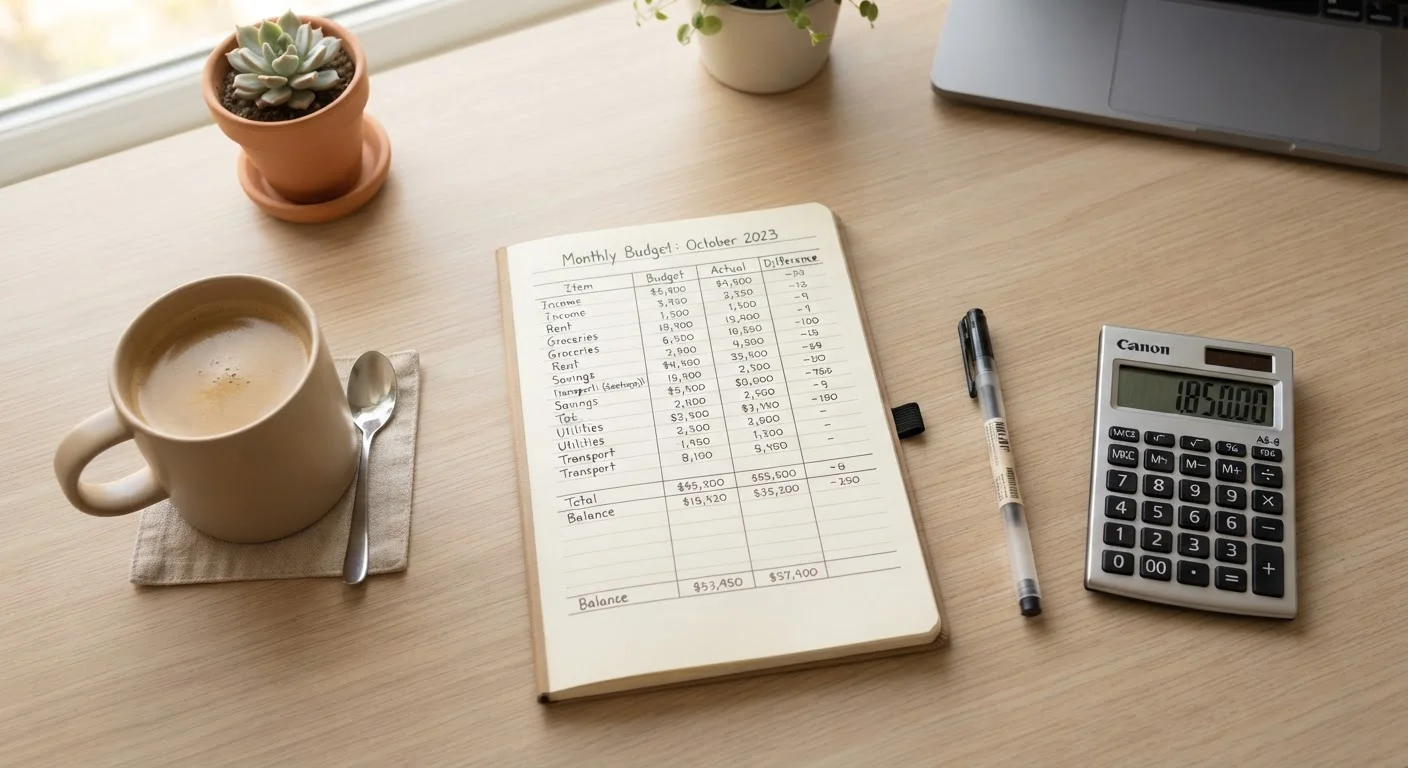
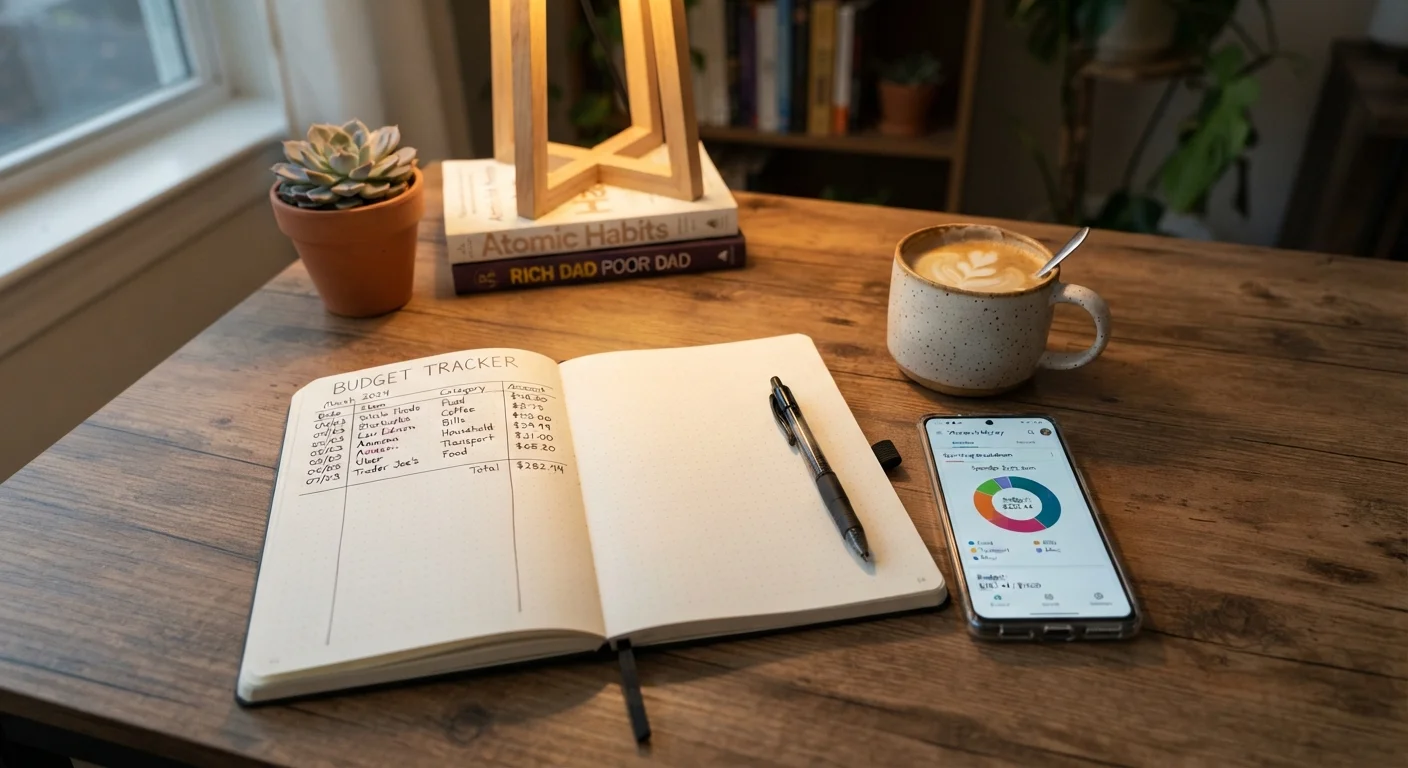
- Notebook or paper ledger: Works best for people who prefer tangible records or find apps distracting. Write the date, merchant, amount, and category for every transaction. Takes about two minutes per day.
- Spreadsheet (Google Sheets or Excel): Offers flexibility and full control. You can build custom categories, run totals automatically, and visualize trends over time. Requires a small upfront setup investment.
- Budgeting app: Apps that connect to your bank accounts can import transactions automatically, which reduces manual entry. You still need to review and categorize entries daily - automation is helpful, but it's not a substitute for attention.
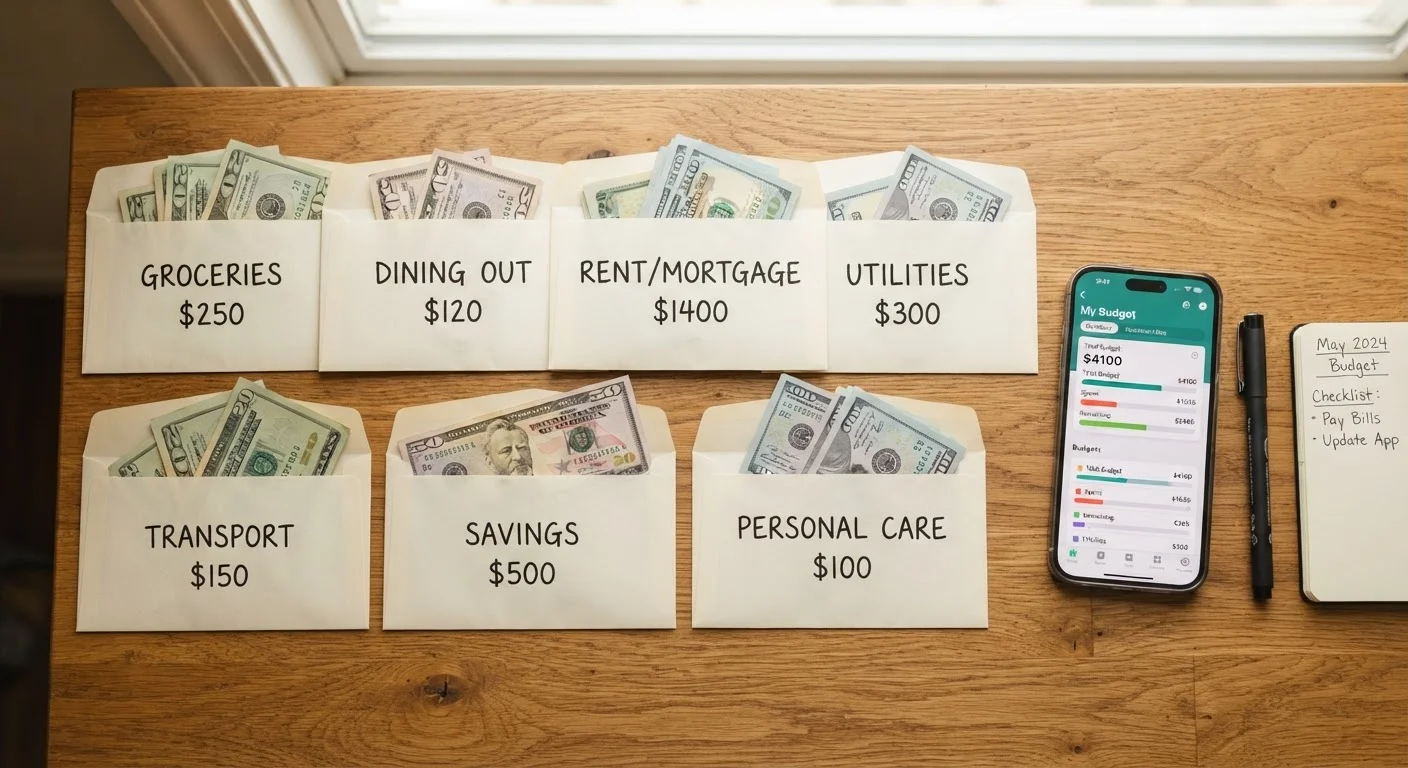
If you're weighing the psychological dimension of cash-based systems, our companion piece on envelope budgeting in a digital age explores how that method holds up today.
Bank or credit card statements
Provide a complete transaction history to review and categorize for the current period.
Notebook or paper ledger
Record transactions manually for readers who prefer a tactile, screen-free tracking method.
Spreadsheet application (e.g., Google Sheets)
Organize, categorize, and automatically total spending data with custom columns and formulas.
Budgeting app with bank sync
Import transactions automatically from linked accounts to reduce manual data entry.
How to Set Up Your Tracker in Five Steps
Once you've chosen a method, setting it up correctly from the start saves significant effort later. Follow these steps to build a tracker you'll actually use.
Define your spending categories
Before you log a single transaction, decide how you'll group spending. Common categories include: Housing, Groceries, Dining Out, Transportation, Utilities, Healthcare, Entertainment, Personal Care, Subscriptions, and Miscellaneous. Aim for 8-12 categories - enough to be informative, few enough to stay manageable. You can always refine later.
Record every transaction on the day it occurs
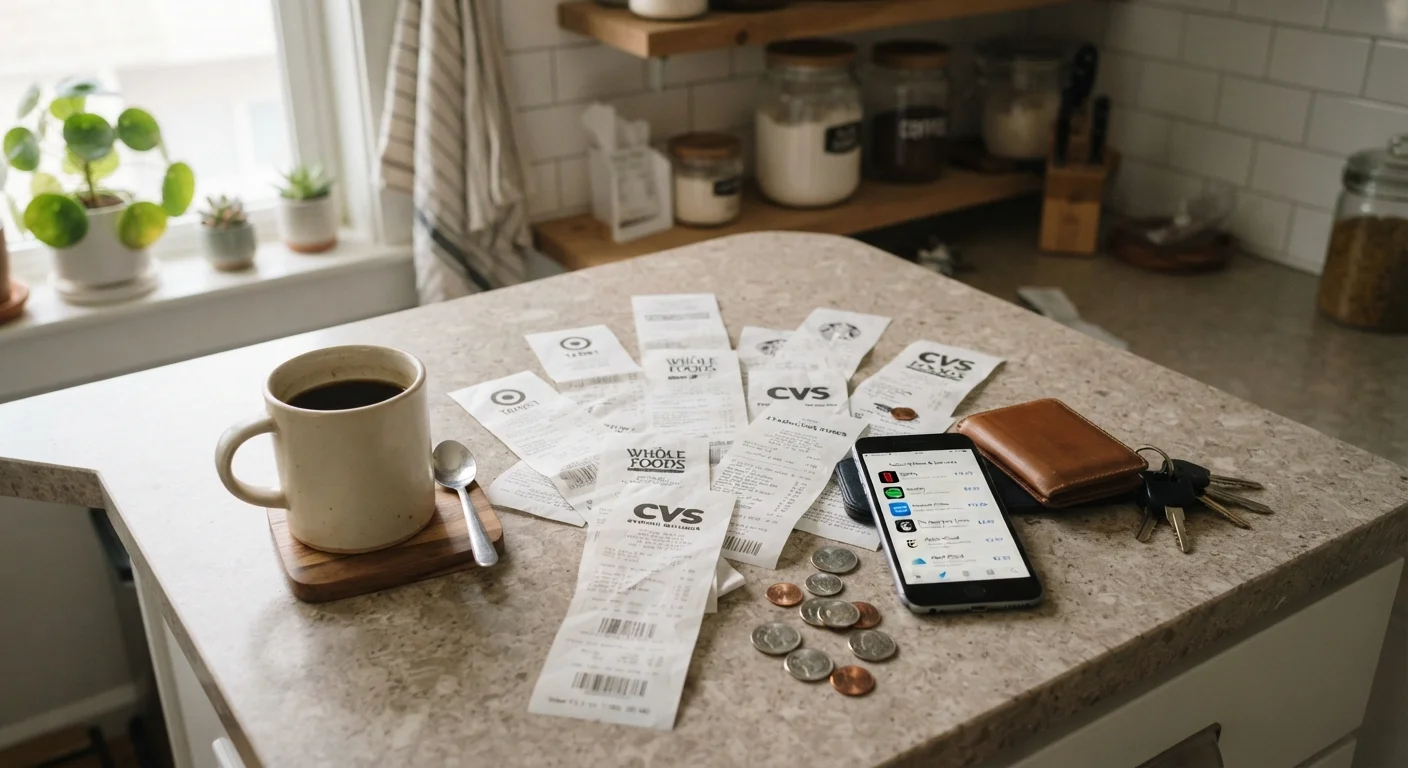
Log purchases the same day - memory degrades quickly, and small cash purchases disappear entirely if you wait. For each entry, note: date, merchant or payee, amount, and category. For card transactions, keep the receipt or check your app notification immediately after purchase.
Reconcile with your bank statement weekly
Once a week, open your bank or credit card account and compare it line by line against your tracker. Catch any transactions you missed - automatic debits, fees, or forgotten swipes. Correct any miscategorized entries now, while context is fresh.
Total each category at the end of every week
Run a weekly subtotal for every category. This intermediate check prevents end-of-month surprises. If dining out is already at 80% of its monthly limit by week two, you know to adjust now - not after the fact. A monthly budget review becomes far simpler when weekly data is already organized.
Review and adjust your system at month-end
At the close of each month, look at your totals by category and ask: Which categories consistently ran over? Were any categories set too high? Did I miss a regular expense entirely? Use these answers to update category limits or refine your tracking method. A structured monthly financial reset checklist can guide this review.
Start With Just Two Weeks of Data
If tracking every dollar feels overwhelming, begin with a two-week trial. Record everything for 14 days without judgment, then review. That snapshot is usually enough to reveal your top two or three spending blind spots. Once you see the pattern, motivation to continue tends to follow naturally.
Turning Tracking Into a Sustainable Habit
The hardest part of spending tracking isn't the mechanics - it's consistency. Research on habit formation suggests pairing a new behavior with an existing one (a technique called habit stacking) dramatically improves follow-through. Log spending right after a recurring action: when you sit down for morning coffee, after you swipe a card, or before you close your laptop at night.
A short weekly review keeps the habit meaningful. Spend five minutes every Sunday looking at what you recorded. Ask: Did anything surprise me? Where did I overspend? What's one adjustment I can make next week? Over time, these micro-reviews surface the small spending leaks that quietly drain a budget - subscriptions, convenience charges, and impulse purchases that feel minor but compound fast.
For a deeper look at what keeps budgeters on track, see the research-backed insights in habits that separate people who stick to a budget.
Tracking Is a Tool, Not the Goal
Meticulous tracking without a connected spending plan can feel like busywork and leads many people to abandon the habit entirely. Make sure your categories map to actual limits or targets in a budget. If you haven't built that plan yet, a practical guide to tracking without burning out can help you keep the process sustainable.
This article is for general informational and educational purposes only and does not constitute personalized financial advice. Consult a qualified financial professional for guidance tailored to your individual circumstances.