The Invisible Layer Running Your Phone
Every tap, swipe, and notification on your phone is orchestrated by software you probably never see: the operating system. Think of it the way you'd think of a building's electrical and plumbing systems - invisible, but essential. Without it, the apps, calls, photos, and browser sessions you rely on daily simply wouldn't exist.
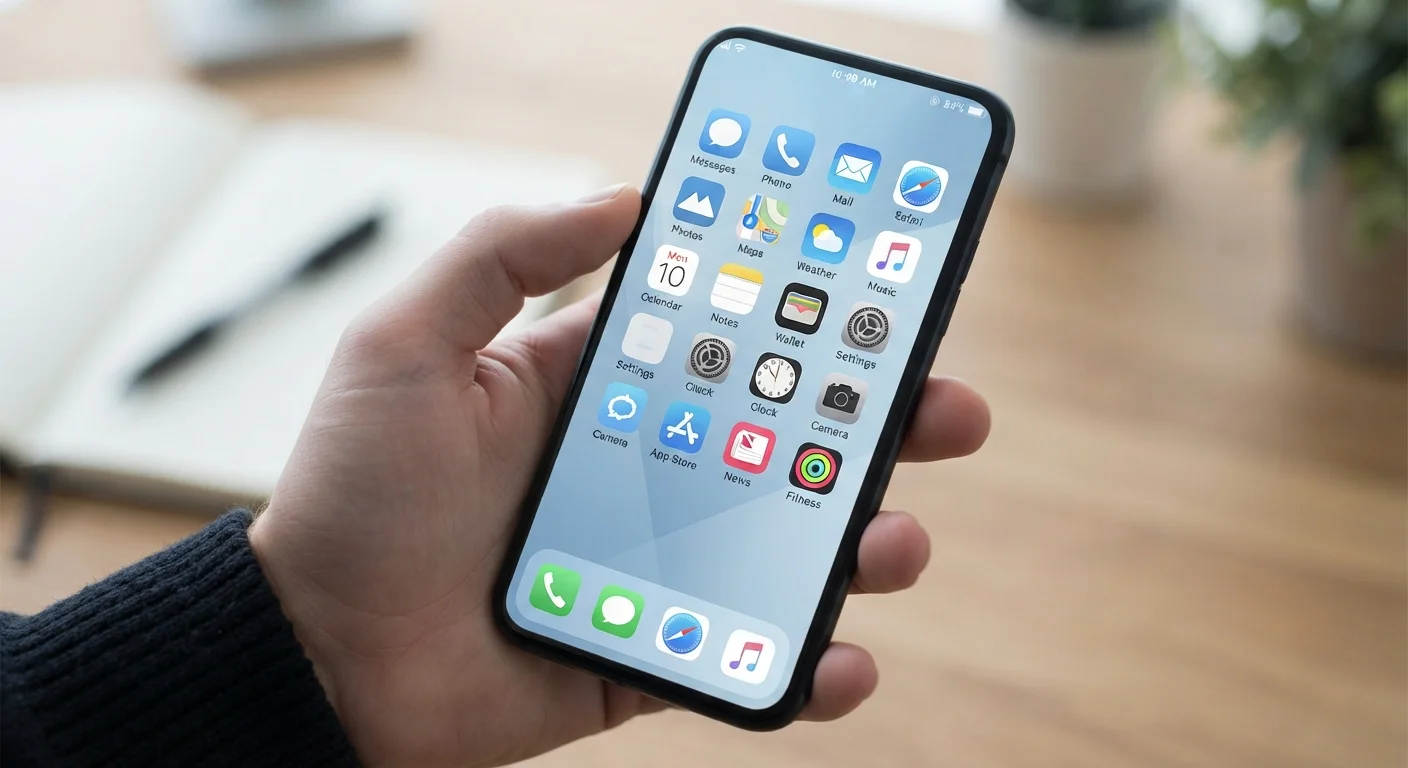
The OS sits between your phone's physical components - the processor, screen, camera, and memory - and the apps installed on top. It translates your touch into actions, allocates processing power, manages storage, and enforces rules about what apps can and can't access. Everything visible on your screen is, in a sense, the OS presenting information through a carefully managed interface.
~72%
US smartphone market share running Android
According to Statcounter data, Android holds roughly 72% of the global mobile OS market, with iOS accounting for most of the remainder in the US.
2
Dominant mobile operating systems worldwide
iOS and Android together account for essentially all consumer smartphone operating systems in use in the United States today.
Billions
Active Android devices globally
Google has reported billions of active Android devices worldwide, reflecting the OS's reach across hundreds of device manufacturers.
What an OS Actually Controls
A mobile operating system handles several distinct functions simultaneously:
- Hardware communication: The OS talks to your phone's physical components - telling the camera when to activate, routing audio to the speaker, and managing the cellular or Wi-Fi radio.
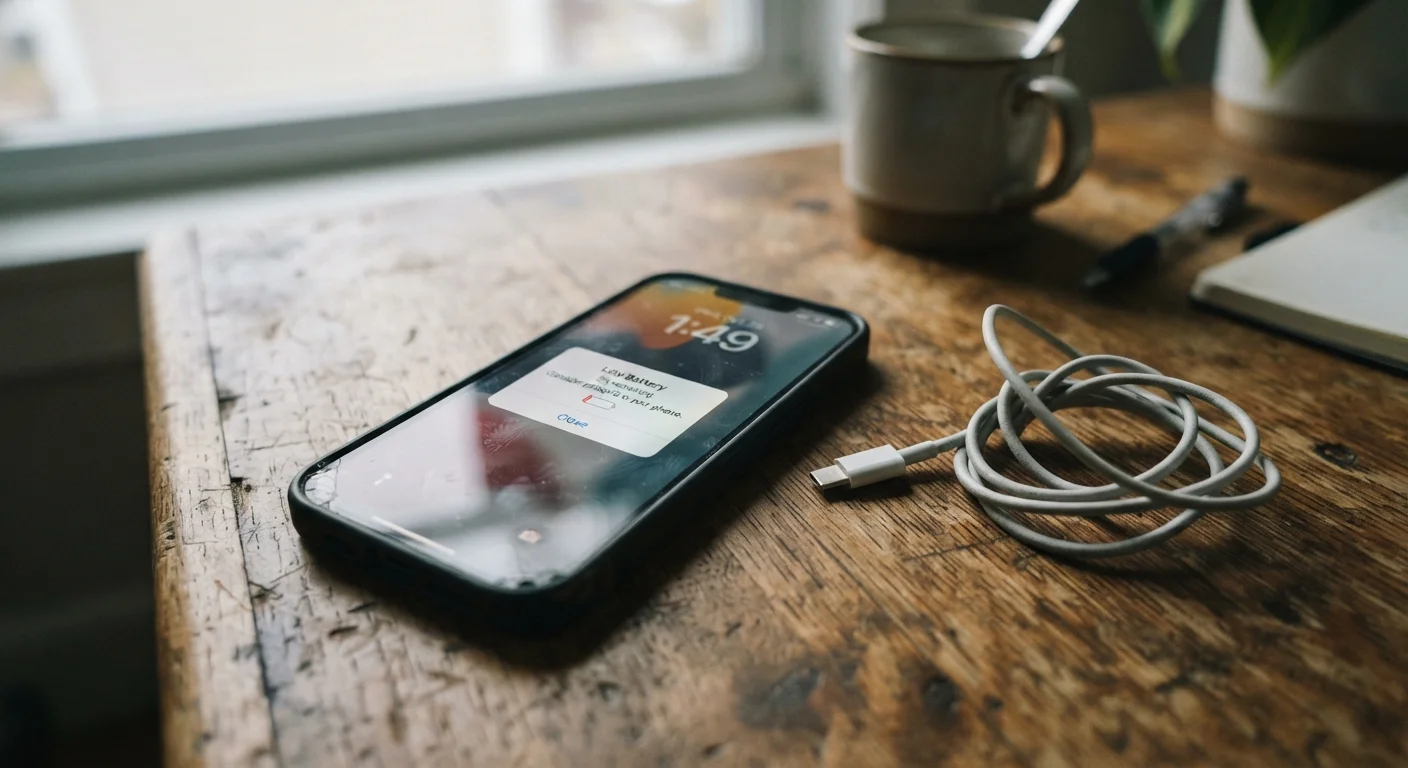
- App management: It decides how apps launch, how much memory they can use, and whether they can run in the background when you're not actively using them. This directly affects both performance and battery life - a topic explored in depth in why your phone battery drains faster than expected.
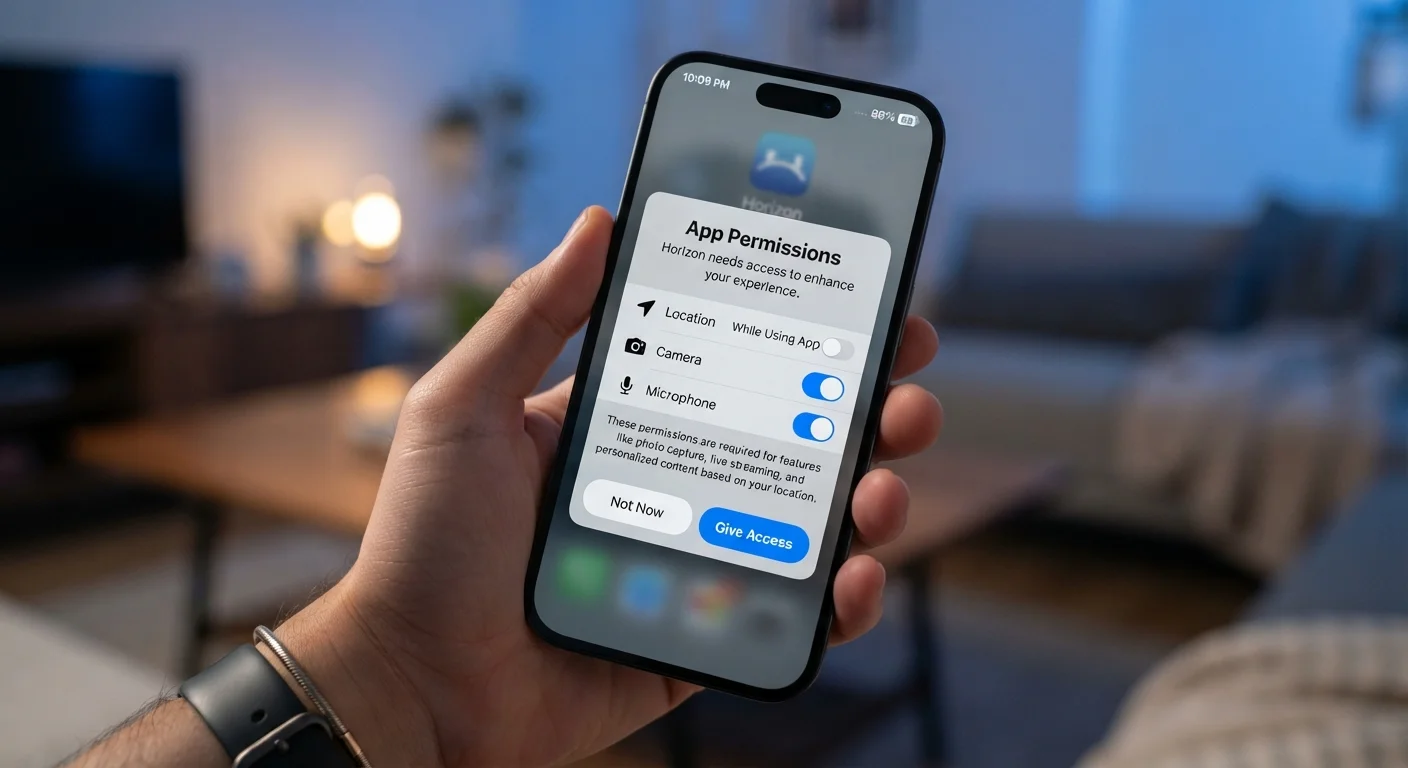
- Security and permissions: The OS acts as a gatekeeper, requiring apps to request explicit permission before accessing sensitive hardware or data like your location, microphone, or contacts. Understanding how those permissions work is covered in what app permissions really mean.
- Updates and patches: The OS receives regular updates that fix security vulnerabilities and improve stability, separate from updates to individual apps.
Keep Your OS Updated for Security
OS updates often contain critical security patches, not just new features. Check your update settings periodically - on iPhone, go to Settings > General > Software Update; on Android, go to Settings > System > System Update. Enabling automatic updates ensures you're protected as soon as patches are available.
iOS vs. Android: Two Different Philosophies
Apple's iOS and Google's Android dominate the US market, but they reflect different approaches to the same job. iOS is a closed system - Apple controls both the hardware and the software, which means tighter integration and a more uniform experience across devices. Android is open-source at its core, allowing manufacturers to customize it significantly, which is why a Samsung phone and a Google Pixel can feel quite different even though both run Android.
These architectural differences matter in practical ways. iOS tends to deliver software updates to all supported devices simultaneously. Android updates often depend on the manufacturer and carrier, meaning two Android users may be running meaningfully different OS versions. For a deeper look at the terminology you'll encounter across both platforms, common tablet and device terms explained is a useful companion reference.
“The operating system is the most important software on any device. Everything a user experiences - speed, security, app compatibility - flows from decisions made at the OS level.”
— Mobile Platform Researcher, Software systems analyst specializing in consumer mobile platforms
Why Understanding Your OS Helps You Day-to-Day
You don't need to understand how an OS is built to benefit from knowing what it does. Recognizing that the OS controls app permissions, for example, helps you make smarter decisions when an app asks for access to your microphone or camera. The broader question of when and why to grant those requests is worth thinking through carefully - understanding app and website permission requests offers a practical framework for doing exactly that.
Similarly, knowing that the OS manages background processes explains why turning off Background App Refresh or enabling battery saver mode has real effects on performance. Your OS is also the first line of defense against security threats - keeping it updated is one of the simplest and most effective protective steps available to any smartphone user.
The next time your phone prompts you to install an update, it's worth knowing that the prompt likely comes from the OS itself, maintaining the infrastructure that everything else depends on.
This article is for general informational purposes only. Features and settings described may vary by device, manufacturer, and OS version.